

Your presentation looks ready. The story flows, the slides look polished, and you are about to close your laptop. Then a colleague asks: “Can you send me an editable PowerPoint?”
That is where choosing the right tool matters. If you want to turn documents, notes, or ideas into slides, an AI PPT Maker can help you build a first draft. But generating a deck is only half the job—you still need to edit, share, and present it.
The best Gamma alternatives for PowerPoint presentations fit the entire workflow, from organizing source material to making last-minute changes. Gamma already supports PowerPoint export, so the reason to switch should be a better fit for your editing needs, design preferences, or budget.
In this guide, we compare seven Gamma alternatives in 2026, covering AI features, free plan limits, pricing, and PowerPoint editing options to help you choose the right tool.
Best Gamma Alternatives in 2026: Quick Comparison
Compare Pricing, Free Plans, and PowerPoint Export
These Gamma alternatives approach presentation creation differently. Some work inside PowerPoint; others generate slides in a separate workspace before exporting.
| Tool | Main reason to consider it | Free access or pricing | PowerPoint support |
|---|---|---|---|
| AI PPT Maker | Creating slides from existing materials | Free Classic credits; paid Agent and Creative modes | Editable PowerPoint downloads in Agent Slides |
| Plus AI | Adding AI to familiar slide editors | Seven-day trial; Basic from $10/user/month, billed annually | Works within PowerPoint and Google Slides |
| Microsoft Copilot | Staying within Microsoft 365 | Eligible subscription and account access required | Presentation creation and editing in PowerPoint |
| Canva | Combining presentations with broader visual design | Free and paid options; feature limits apply | PPTX export |
| Beautiful.ai | Automated layout and design consistency | Pro: $12/month, billed annually | Editable PowerPoint export |
| Presentations.AI | Creating branded business decks | Free Starter; Pro: $20/month, billed annually | PowerPoint export included in Pro |
| Slidesgo | Template-based presentation creation | Three free AI presentations monthly | Editable PPTX downloads |
Prices shown in dollars reflect published USD pricing where specified. Check billing terms before subscribing.
Which Gamma Alternative Fits Your Workflow?
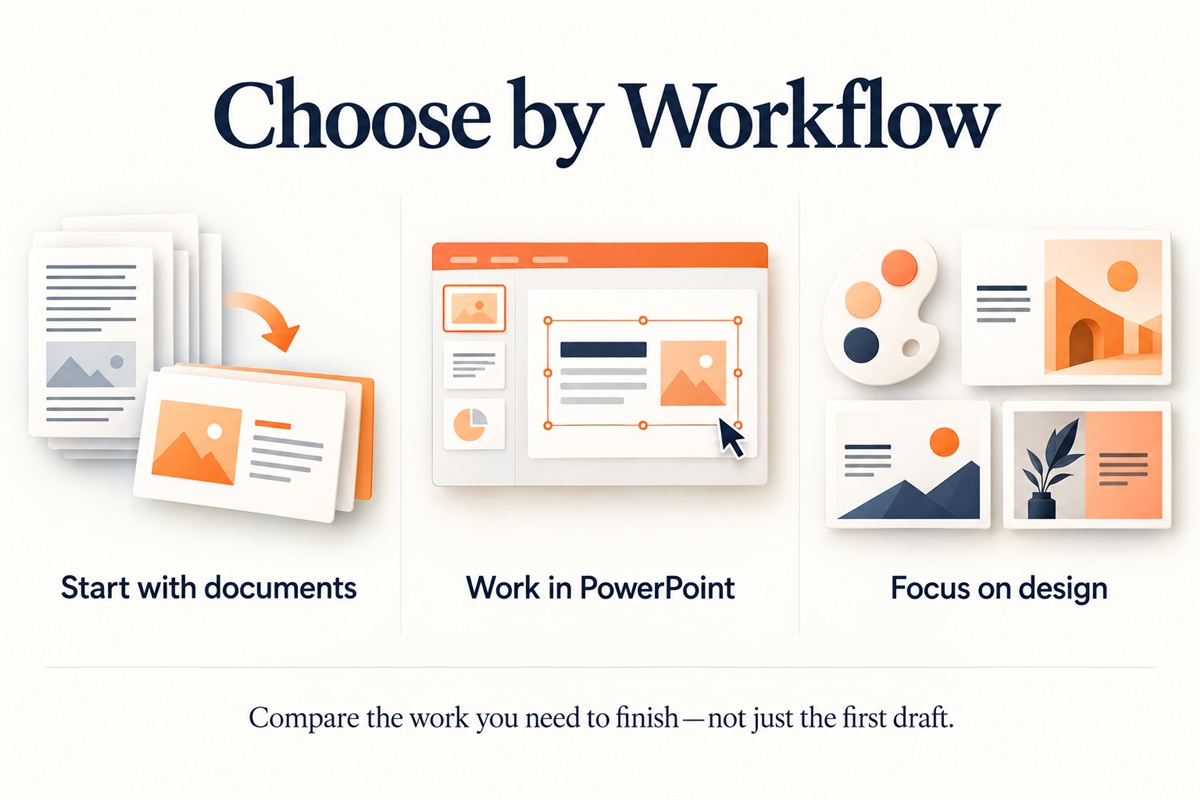
For document-based work, consider AI PPT Maker and Presentations.AI. For creating directly in PowerPoint, compare Plus AI and Copilot. For design customization, explore Canva, Beautiful.ai, and Slidesgo.
Your shortlist of Gamma alternatives should reflect where you spend time today: organizing content, designing slides, or repairing the final file.
How We Compare Gamma Alternatives for PowerPoint
PPTX Export, Editability, and Formatting
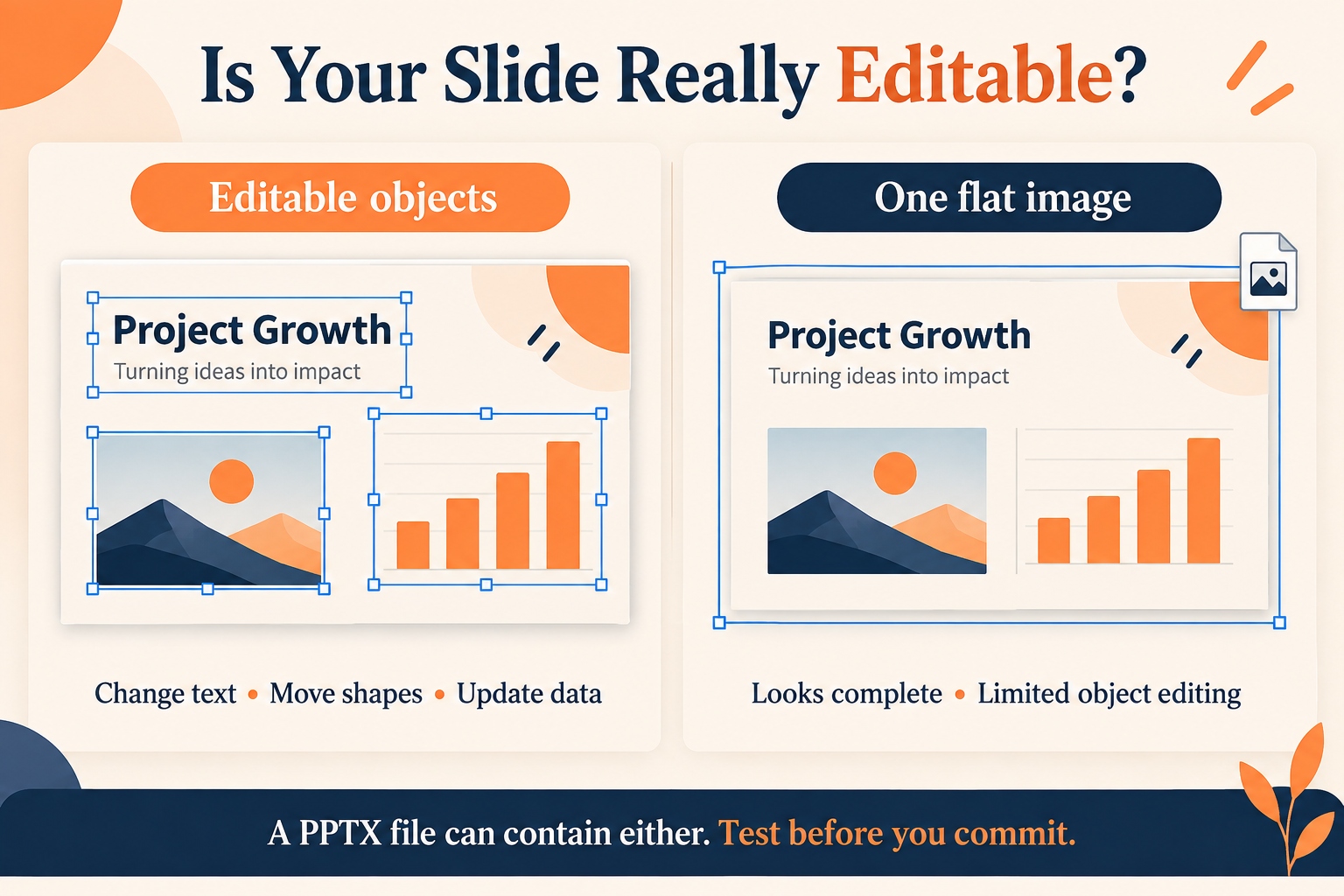
A PPTX download does not tell you everything about editability.
When comparing Gamma alternatives, ask whether you can change individual text boxes, move objects, and revise charts. A beautiful slide exported as one large image is easy to admire and difficult to update.
Think about the next person handling the deck, not just your own first impression.
AI Content Quality and Document Import
A useful AI presentation maker should turn information into a clear argument.
Give shortlisted Gamma alternatives the same source document. Check whether they preserve important figures, explain the main point, and distinguish evidence from recommendations.
Ten slides saying slightly different versions of “innovation matters” are still one idea wearing ten outfits.
Design Control, Ease of Use, and Value
Compare the complete task: generation, revision, export, and cleanup.
The best Gamma alternatives reduce the total work required to reach a usable presentation. A quick first draft is valuable only if you do not spend the saved time fixing it later.
7 Best Gamma Alternatives for PowerPoint Presentations
1. AI PPT Maker
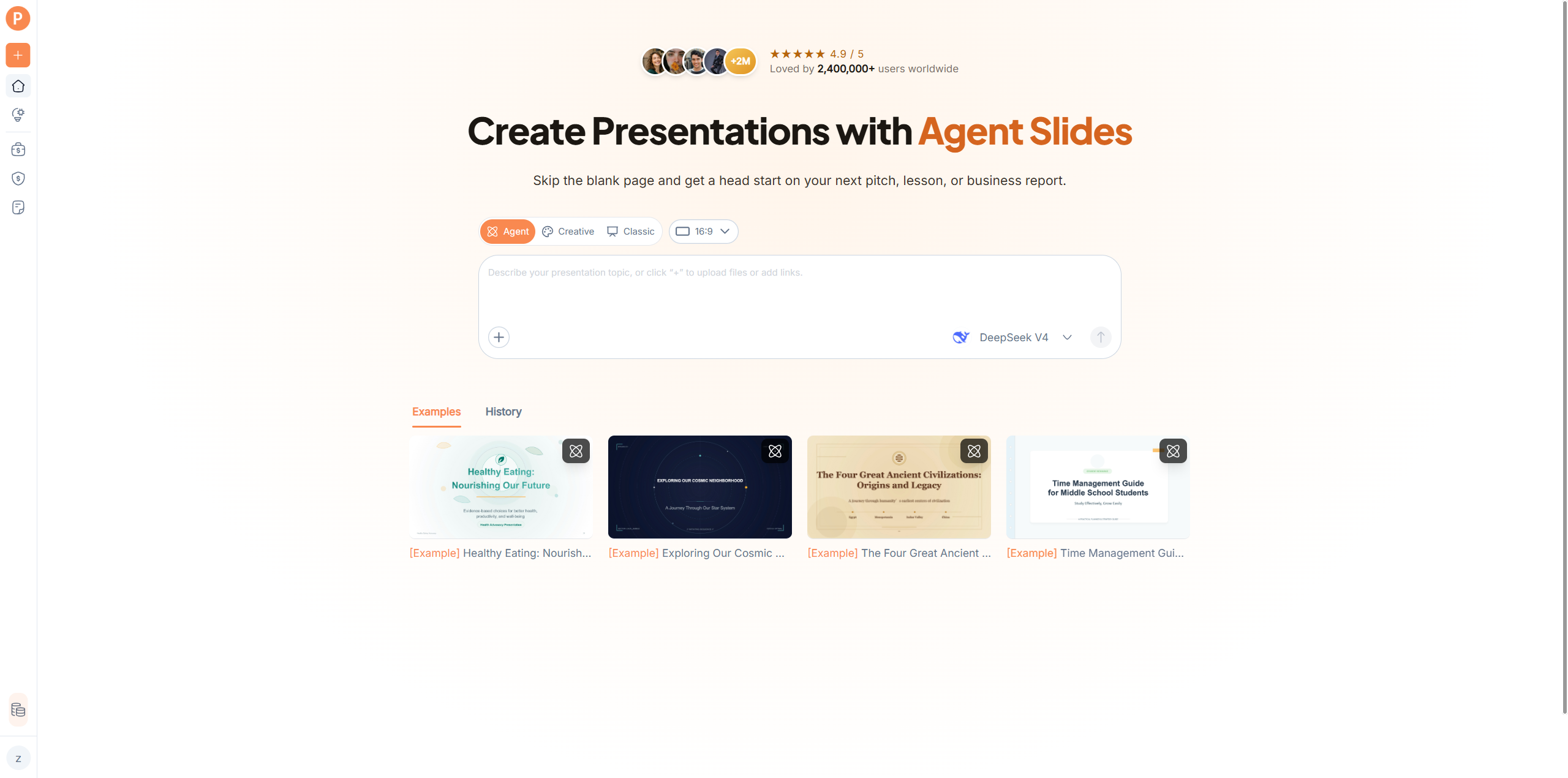
AI PPT Maker is worth exploring when your presentation begins with something you already have: a document, an article, notes, or a video.
It supports topics, text, documents, article links, and YouTube videos, with three creation modes:
- Classic Slides: Template-based presentation generation.
- Creative Slides: Image-generated visuals with AI editing.
- Agent Slides: Guided structure and design with editable PowerPoint downloads.
Its appeal among Gamma alternatives is having different creation approaches within one product.
Imagine turning a lengthy training document into an onboarding presentation. Start with the source material, review the outline, and choose the mode that matches your intended result.
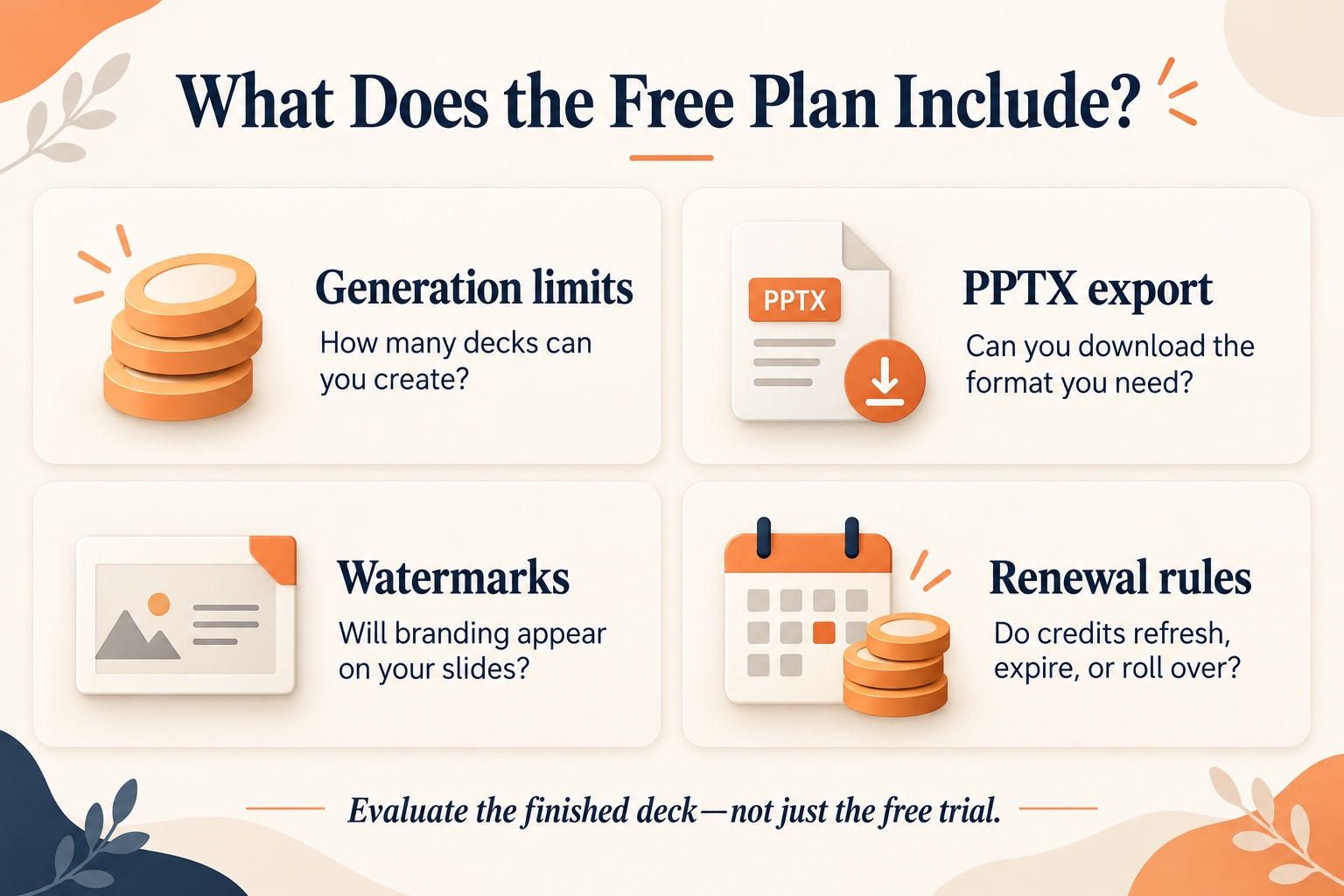
The free plan includes 50 monthly Classic credits, with each presentation costing 10 credits. Agent and Creative modes require Basic or Pro. Free downloads carry a watermark, and export formats vary by mode.
Choose it for: Converting existing material into a presentation draft.
Check first: Use Agent Slides when editable PowerPoint output is central to your task. Do not assume every creation mode produces the same editing experience.
2. Plus AI
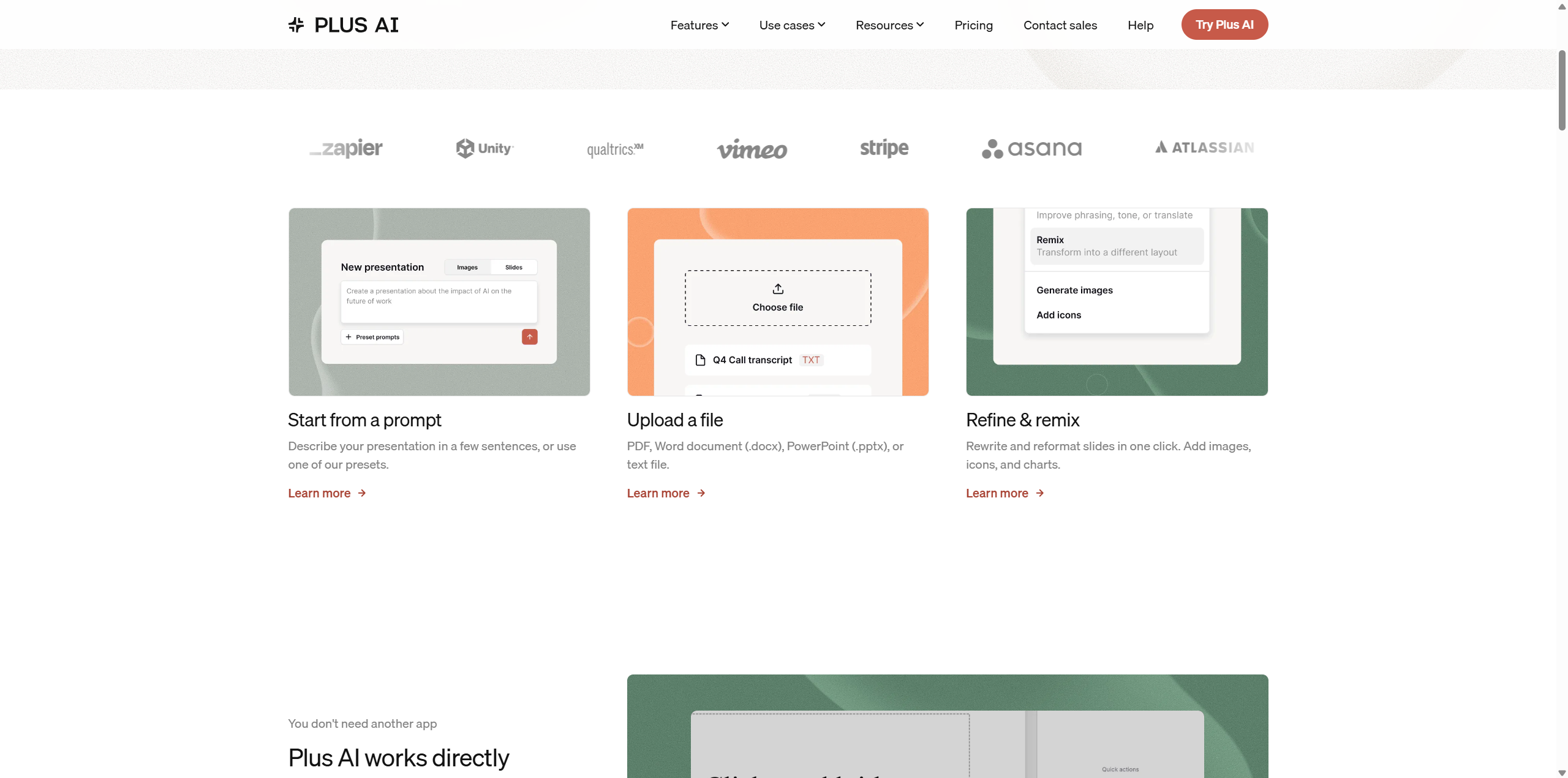
Plus AI is one of the Gamma alternatives to consider when you already know where your slides need to live.
It works within PowerPoint and Google Slides, with tools for generating presentations, inserting slides, and rewriting or rearranging content.
Basic starts at $10 per user monthly with annual billing, or $15 on monthly billing. A seven-day trial includes 1,000 AI credits.
The practical benefit is continuity. Instead of learning a separate presentation workspace, you can evaluate AI assistance in an editor your colleagues already use.
Choose it for: Teams that want an AI presentation workflow close to their existing tools.
Check first: Monthly credit allowances and the features available on each plan.
Among Gamma alternatives for PowerPoint, Plus AI deserves attention when repeated editing and collaboration matter as much as initial generation.
3. Microsoft Copilot
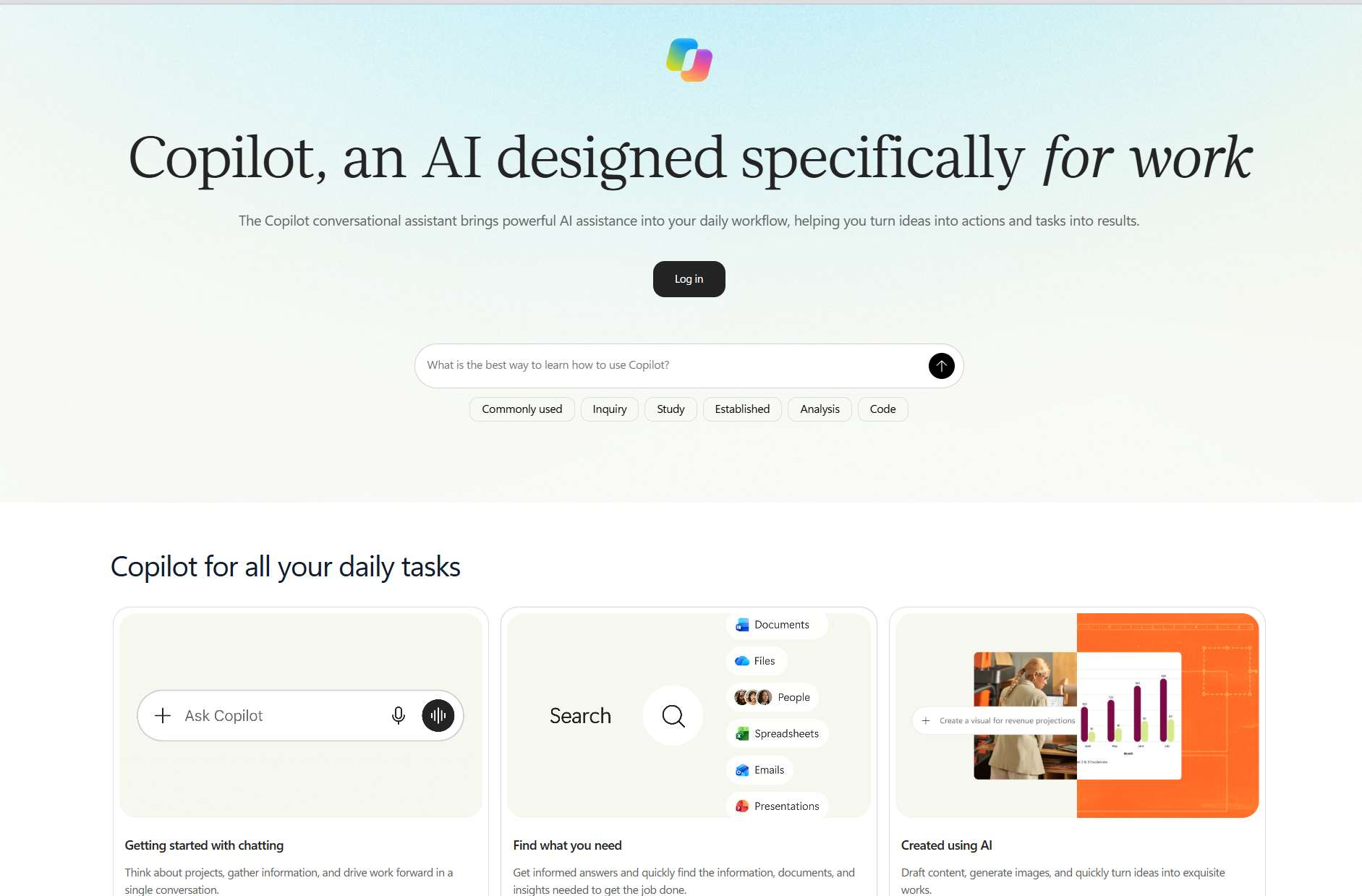
Microsoft Copilot is a relevant option for people who already spend their working day in Microsoft 365.
It can help create and refine presentations in PowerPoint. Microsoft also recommends starting from an organizational template when you want to use established layouts and styling.
Availability depends on your subscription, account settings, and feature rollout. Different Copilot experiences may support different inputs, so confirm the workflow available in your account.
Choose it for: Microsoft-centered teams that want to keep presentation work in PowerPoint.
Check first: Licensing, administrator settings, and whether your intended document-input workflow is supported.
Copilot belongs among these Gamma alternatives because staying in a familiar environment can simplify the handoff. That does not remove the need to review generated claims, figures, and slide structure.
4. Canva
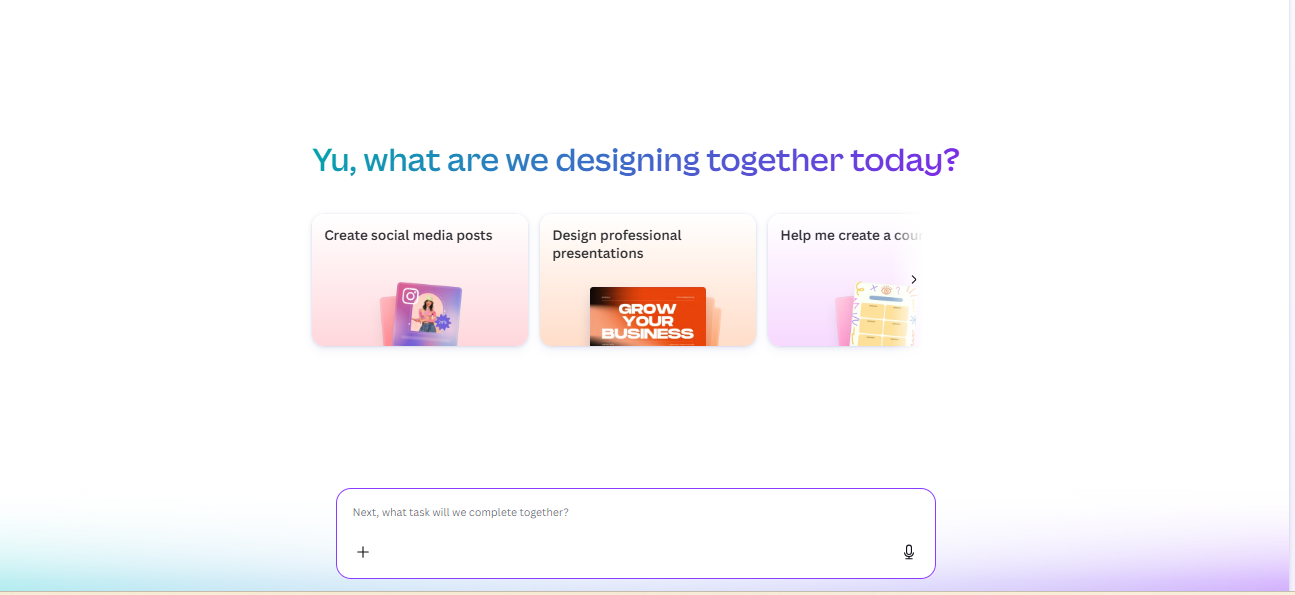
Canva is an appealing option when a presentation is part of a broader visual project.
Perhaps you need a webinar deck, matching promotional graphics, and a follow-up handout. In that situation, presentation design is only one part of the assignment.
Canva combines AI presentation tools with a visual editing environment and supports PPTX export.
Choose it for: People who enjoy refining layouts and coordinating multiple types of visual content.
Check first: AI usage allowances, premium assets, and how the exported presentation behaves in PowerPoint.
Among Gamma alternatives, Canva is worth considering for hands-on customization. However, export a representative slide early rather than assuming every effect or design element will behave identically after conversion.
Your audience will notice a clear message before it notices your sixth font experiment.
5. Beautiful.ai
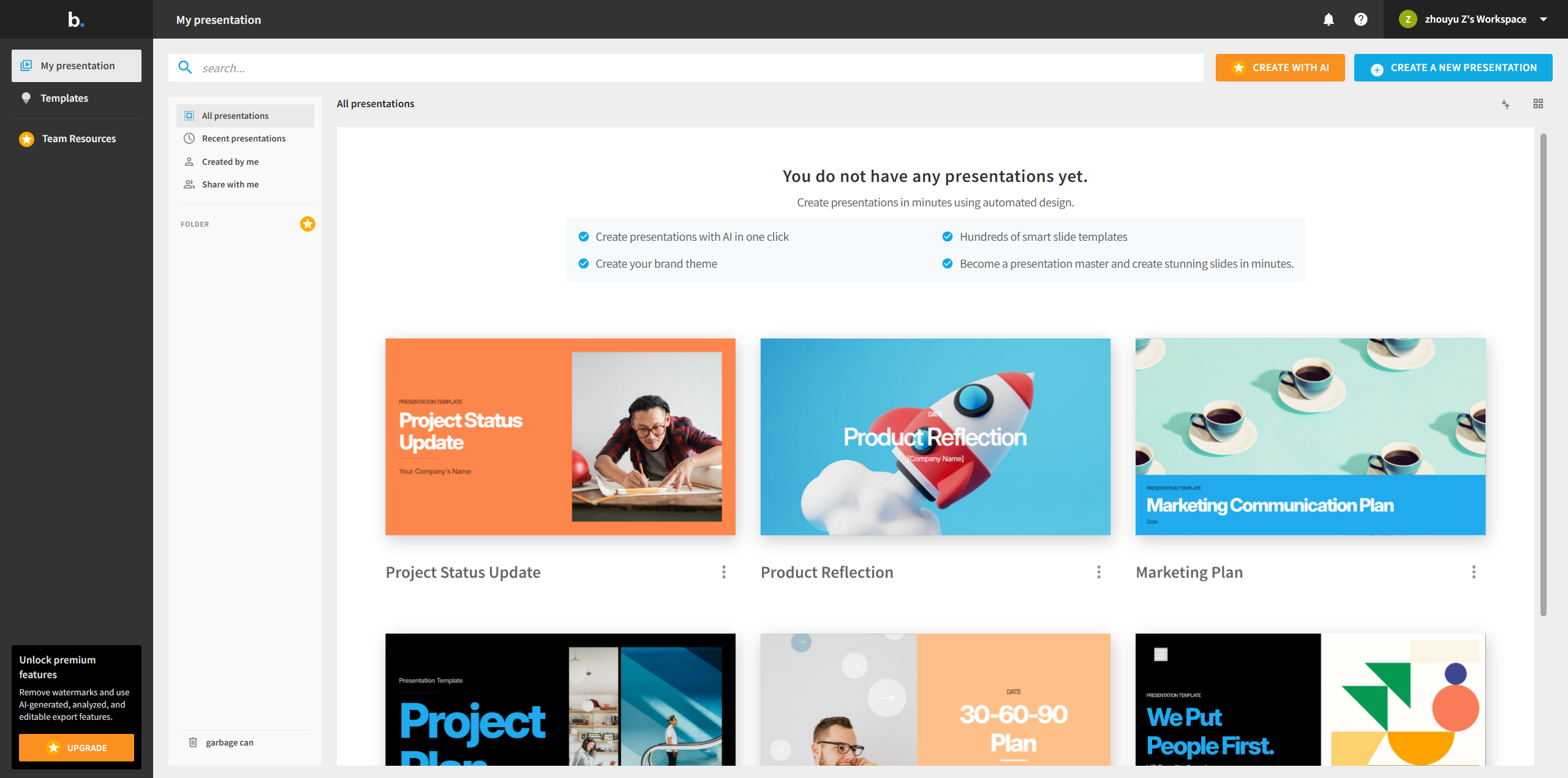
Beautiful.ai is worth considering when maintaining consistent layouts is a recurring headache.
Its presentation workflow emphasizes automated design and customizable slide structures. The Pro plan includes AI generation and PowerPoint import/export at $12 monthly, billed annually.
Editable PowerPoint export is supported. Its documentation also warns that missing fonts can affect the appearance of exported slides.
Choose it for: Business presentations where orderly layouts and visual consistency matter.
Check first: Whether the design system accommodates your unusual slides and whether the receiving computer has the required fonts.
These details make Beautiful.ai relevant among Gamma alternatives for recurring reports and client presentations. Evaluate it using your most awkward slide—not just the easy title page.
A tool earns its place when it handles the complicated comparison table.
6. Presentations.AI
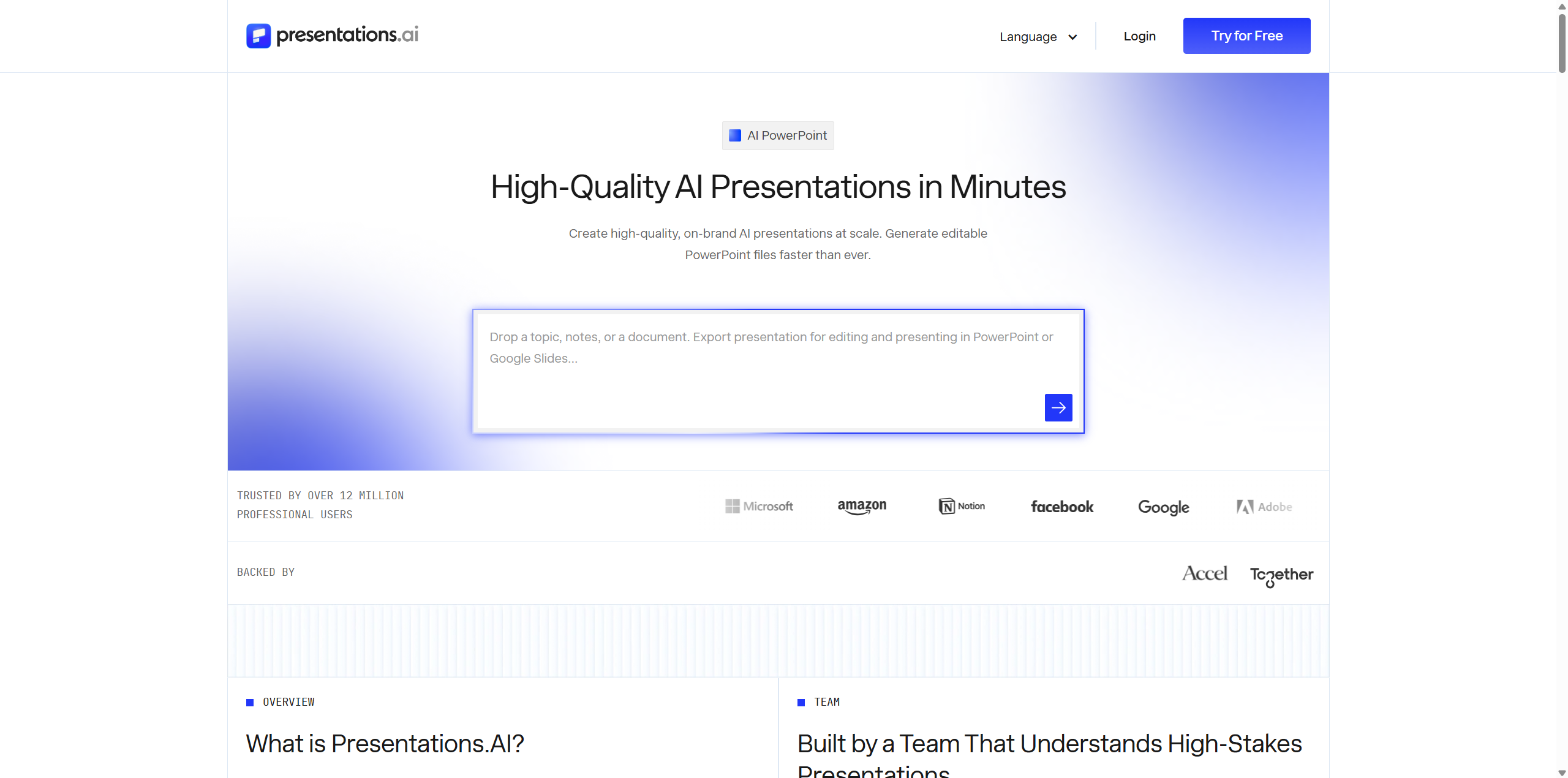
Presentations.AI provides another route to AI-generated business presentations.
Its documented capabilities include creating presentations from PDF, Word, and PowerPoint files, alongside native editable PowerPoint export.
The free Starter plan lists 100 credits. Pro costs $20 monthly with annual billing and includes PowerPoint export, brand customization, and presentation analytics.
Choose it for: Exploring document-based generation and branded business decks.
Check first: Export eligibility and credit allowances on your intended plan.
When reviewing free Gamma alternatives, distinguish between generating a presentation and downloading the file you need. A free starting point does not necessarily include the complete delivery workflow.
Presentations.AI is worth shortlisting when its paid export and branding features match work you perform regularly.
7. Slidesgo
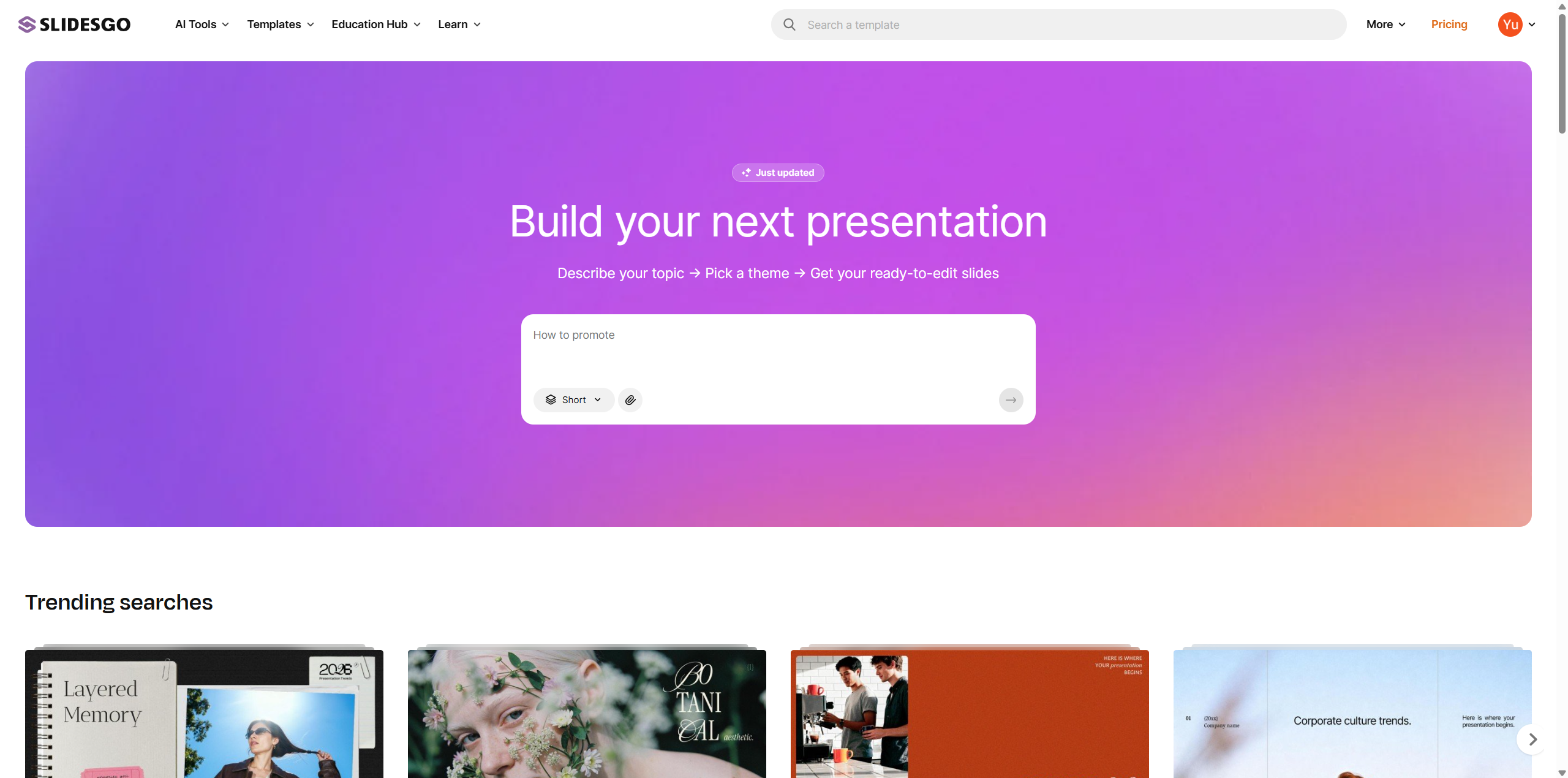
Slidesgo offers a template-oriented approach to AI presentation creation.
You enter a topic, adjust the content and style, and download an editable PPTX. Its published allowance includes three free AI presentations monthly, with an account required for generation and downloading.
Premium plans provide additional capacity and features.
Choose it for: Occasional presentations and users who prefer starting from a defined visual style.
Check first: Monthly limits, template availability, and customization options.
For students and teachers comparing Gamma alternatives, Slidesgo offers a straightforward starting point. The remaining work is editorial: verify explanations, choose relevant examples, and adjust the depth for your audience.
A lesson for twelve-year-olds and a university seminar should not differ only in the title slide.
What to Check Before Exporting AI Slides to PowerPoint
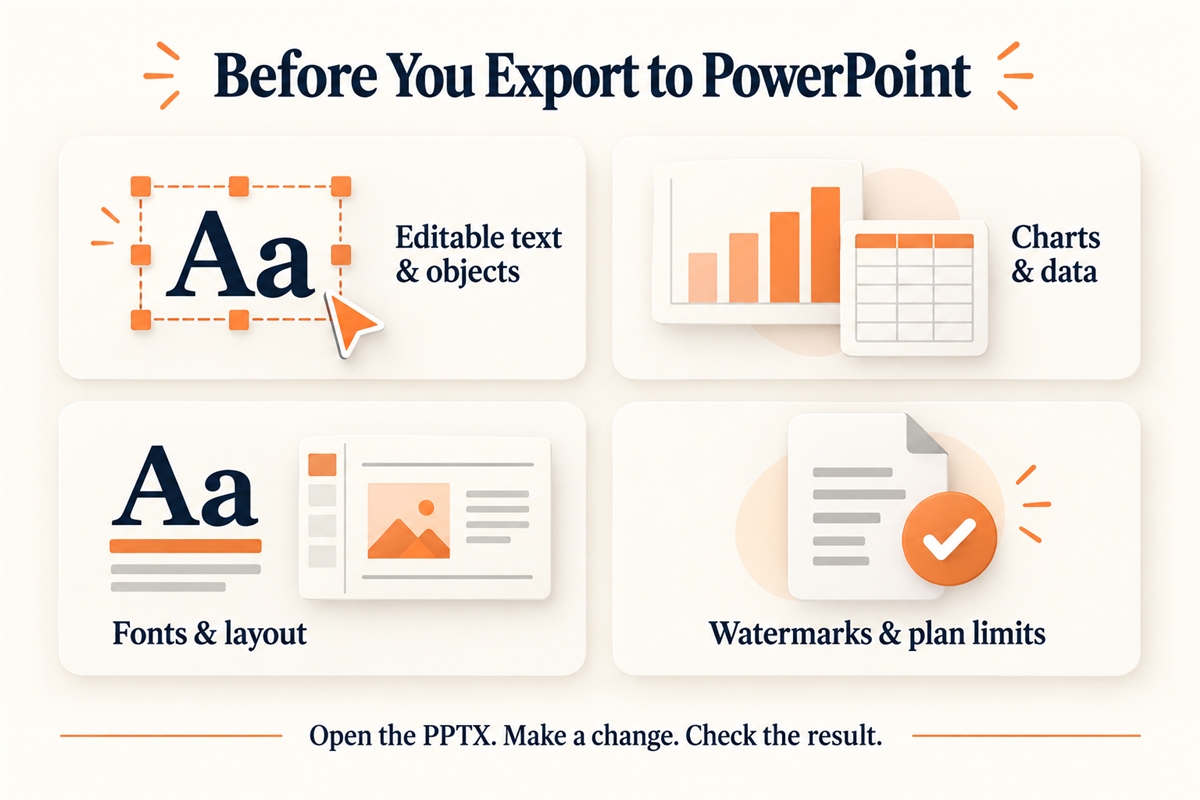
Editable Text and Objects vs. Static Slide Images
Run the same small test across your shortlisted Gamma alternatives:
- Rewrite a heading.
- Move a shape.
- Change a chart value.
- Replace an image.
- Add a slide with matching formatting.
Record what works without rebuilding. This is more informative than comparing polished screenshots.
For an AI PowerPoint generator, the ability to support revisions is part of the finished product.
Fonts, Layouts, Charts, and Speaker Notes
Open the exported file on the computer you will actually use.
Inspect long titles, table labels, image crops, symbols, and speaker notes. Check whether charts remain editable or become static visuals.
Comparing Gamma alternatives with the same difficult slide gives you a fairer picture than generating unrelated examples.
A modest-looking deck can communicate brilliantly. A missing financial column usually cannot.
Export Restrictions, Watermarks, and Paid Plans
With free Gamma alternatives, inspect the downloaded result rather than stopping at the editor preview.
Confirm branding, supported formats, usage limits, and billing terms. An annual plan advertised with a monthly equivalent may require a larger upfront payment.
A useful personal calculation is:
Total presentation cost = subscription cost + the value of your editing time.
The cheapest subscription is not automatically the cheapest workflow.
Which Gamma Alternative Should You Choose?
For Turning Documents into Presentations
Start with AI PPT Maker and Presentations.AI, using a short report you understand well.
For document-focused Gamma alternatives, evaluate the outline before the visuals. Does it explain the problem, evidence, and next action? Are important qualifications preserved?
For Working Directly in PowerPoint
Compare Plus AI with the Copilot features available in your account.
These Gamma alternatives are relevant when colleagues need familiar editing controls and your organization already uses PowerPoint heavily.
Include setup and licensing requirements in your comparison.
For Visual Design and Template Customization
Explore Canva for hands-on design, Beautiful.ai for layout assistance, and Slidesgo for template-based creation.
Your preference should depend on how much control you want and how often you need to make unusual slide layouts.
For Occasional Use on a Free Plan
Review Slidesgo’s monthly allowance and AI PPT Maker’s Classic credits. Canva may also fit, depending on the features and assets you use.
The best free Gamma alternatives let you complete your actual assignment within their restrictions—not merely begin it.
FAQs About Gamma Alternatives
What Is the Best Free Gamma Alternative?
There is no single winner for every task. Slidesgo offers limited monthly AI generation, while AI PPT Maker provides free Classic credits with watermarked downloads.
Compare free Gamma alternatives by creation allowance, editing needs, and final export. Start with a small presentation before investing time in a large project.
Which Gamma Alternatives Export Editable PPTX Files?
AI PPT Maker’s Agent mode, Beautiful.ai, Presentations.AI, and Slidesgo document editable PowerPoint output. Plus AI and Copilot offer workflows inside PowerPoint.
Still, inspect a sample. Editable text does not automatically mean every chart, diagram, or visual has the same flexibility.
Can Gamma Alternatives Create Presentations from PDFs?
Yes. AI PPT Maker and Presentations.AI support document-based generation.
Explain whether you want a summary reorganized into slides or a conversion that preserves the original pages. Those are different jobs, and clear instructions help you judge the result fairly.
Can You Edit Exported Presentations in Google Slides?
PPTX files can generally be imported into Google Slides, but you should check the specific presentation afterward.
Some Gamma alternatives also work directly with Google Slides. Inspect fonts, spacing, charts, and media whenever you move between applications.
When Should You Keep Using Gamma Instead of Switching?
Keep using Gamma if its editing experience, output, export options, and cost already meet your needs.
Switch when another workflow solves a recurring problem. Compare the tools using a real assignment rather than an impressive demonstration.
If your next deck begins with a document, article, or set of notes, create a presentation with AI PPT Maker. Start with a short sample, review the outline, choose the appropriate mode, and inspect the final file.
The right tool is the one that gets you to a presentation you can confidently edit, share, and deliver.