
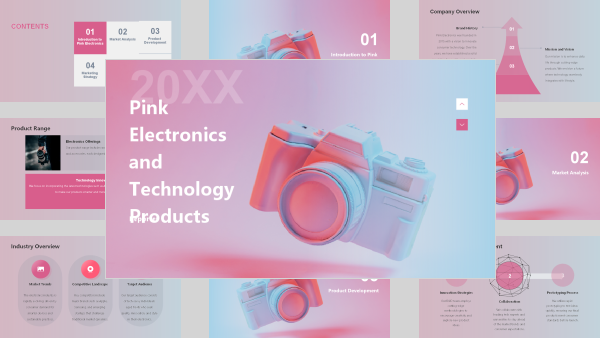
Describe or upload
Type a one-line prompt, paste an outline, or upload a PDF, Word doc or article. AI PPT Maker reads the context instantly.



 +2M
+2MCreate Presentation-Ready Slides with AI
Turn your ideas into polished presentations in minutes. Let AI handle the research, content, and design.
Describe your presentation topic, or click “+” to upload files or add links.
Turn ideas and content into presentations with AI PPT Maker. Agent Slides organizes key points and designs slides you can refine. Make your message stand out.
Transform your ideas into a polished presentation with a guided outline and editable slides.












No templates to hunt for, no formatting to fight. Describe what you need ? the AI handles structure, copy, images, and layout.
Type a one-line prompt, paste an outline, or upload a PDF, Word doc or article. AI PPT Maker reads the context instantly.
In about 10 seconds you get a structured outline, written slide copy, relevant charts, auto-arranged layout and matching images.
Tweak any slide in the visual editor, then export to PPTX, PDF or a link — fully compatible with PowerPoint and Google Slides.
Built for the people who get asked for "a quick deck" five minutes before the meeting.
Go from a single sentence to a complete 10–20 slide deck, with narrative flow, section dividers and speaker notes included.
The AI chooses the right grid, balances text and visuals, and unifies font sizes and colors across every slide — automatically.
Relevant, high-quality visuals and matching icon sets are selected and placed for you — every image commercially licensed.
Every slide comes with a ready-to-read talk track, so you can rehearse and present with confidence — even on short notice.
Switch a whole deck to a corporate, minimal or tech-forward look in a single click — content stays, the design updates.
Business, pitch, education, report and creative styles — each one professionally designed and instantly re-skinable.
Drop in a spreadsheet or table and the AI picks the right chart type, colors the series, and writes the takeaway headline.
Upload your logo, fonts and hex colors once — every deck is generated on-brand, automatically, every time.
Generate and translate in 40+ languages — ideal for global audiences, localization and cross-border pitching.
Every deck arrives as real, editable slides ? not a flat image. Change text, swap images, and reorder sections in seconds.



Organizations trust AI PPT Maker with confidential roadmaps, financials and customer data. We protect it with the same rigor they'd expect from any critical vendor.

“I put a campaign brief into AI PPT Maker and finally had something to work with. The outline helped me spot a missing point. A few edits later, I had a draft ready to discuss with my team.”

“My clients want clear recommendations. AI PPT Maker helped me get the report into shape without spending the afternoon on formatting. I could focus on the advice I was actually there to give.”
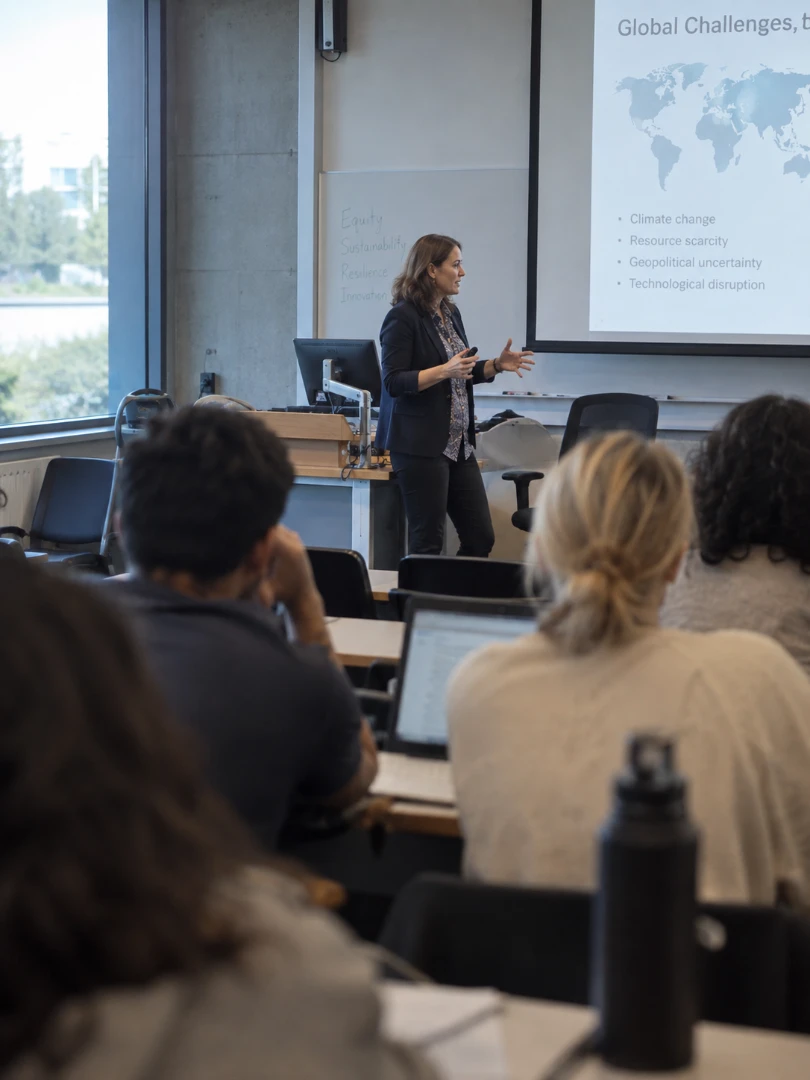
“I used AI PPT Maker to turn a video into a lesson draft. I changed some wording and added questions for my class, but having the main points laid out made the preparation feel much more manageable.”

“I was stuck on how a pitch should look. AI PPT Maker gave me a direction I hadn't considered. I kept some slides and reworked others, but it got me past the same designs I always fall back on.”

“We had plenty of onboarding documents, but they weren't easy to present. AI PPT Maker helped me organize them into a clearer introduction. I added our team's examples to make it feel more personal.”

“Being able to keep editing in PowerPoint is what sold me on AI PPT Maker. Our pitch changes after almost every conversation, so I need a deck I can keep updating without having to start over.”
Find out more about AI PPT Maker and how your information is handled.
Contact usAI PPT Maker turns topics, text, documents, article links, and YouTube videos into presentations. Use Agent Slides for guided structure and design, Creative Slides for image-generated visuals, or Classic Slides for presentations built around 1,000+ templates.
Yes. The free plan includes 50 credits per month for Classic Slides, with each presentation costing 10 credits. Start with 10 credits before signing in, then sign in to claim the remaining 40. Unused monthly credits do not roll over.
Agent Slides and Creative Slides require a Basic or Pro subscription. Agent Slides charges credits based on the generation task. Creative Slides costs 10 credits per image with Nano Banana 2, 15 with GPT Image 2, or 20 with Nano Banana Pro at 1K resolution.
Yes. Select your presentation language, audience, and tone, then add any specific instructions. Review and edit the generated outline before continuing. Depending on your mode, you can also choose a template or image model and adjust settings such as text volume or scenario.
Yes, with editing options that vary by mode. Creative Slides includes AI Edit for prompt-based changes to text, visual elements, and style. Agent Slides supports editable PowerPoint downloads, allowing you to adjust text, move shapes, and add or remove elements after export.
The free plan includes presentation downloads with a watermark. Basic and Pro support watermark-free exports. Available formats include PPTX, PDF, Keynote, and PNG, depending on the creation mode. Check your presentation’s download menu for supported options.
We use safeguards described in our Privacy Policy, including server firewalls, reviews of data handling practices, and security assessments. These measures help protect collected and stored information against unauthorized access, alteration, or disclosure. See our Privacy Policy.
Our Privacy Policy explains what information we collect, how we use it to operate and improve our services, and when it may be shared with service providers or other parties. It also covers cookies and available privacy choices. Read our Privacy Policy for details.
Join 2.4 million people who stopped fighting with slide layouts. Generate your first deck free ? no credit card, no design skills, no waiting.
Start creating for free