Gamma vs AI PPT Maker

Two ways to bring your ideas to life. Find the presentation tool that works for you.

Create with AI PPT Maker
Gamma vs AI PPT Maker

About Gamma and AI PPT Maker

What Is Gamma?

What Is Gamma?

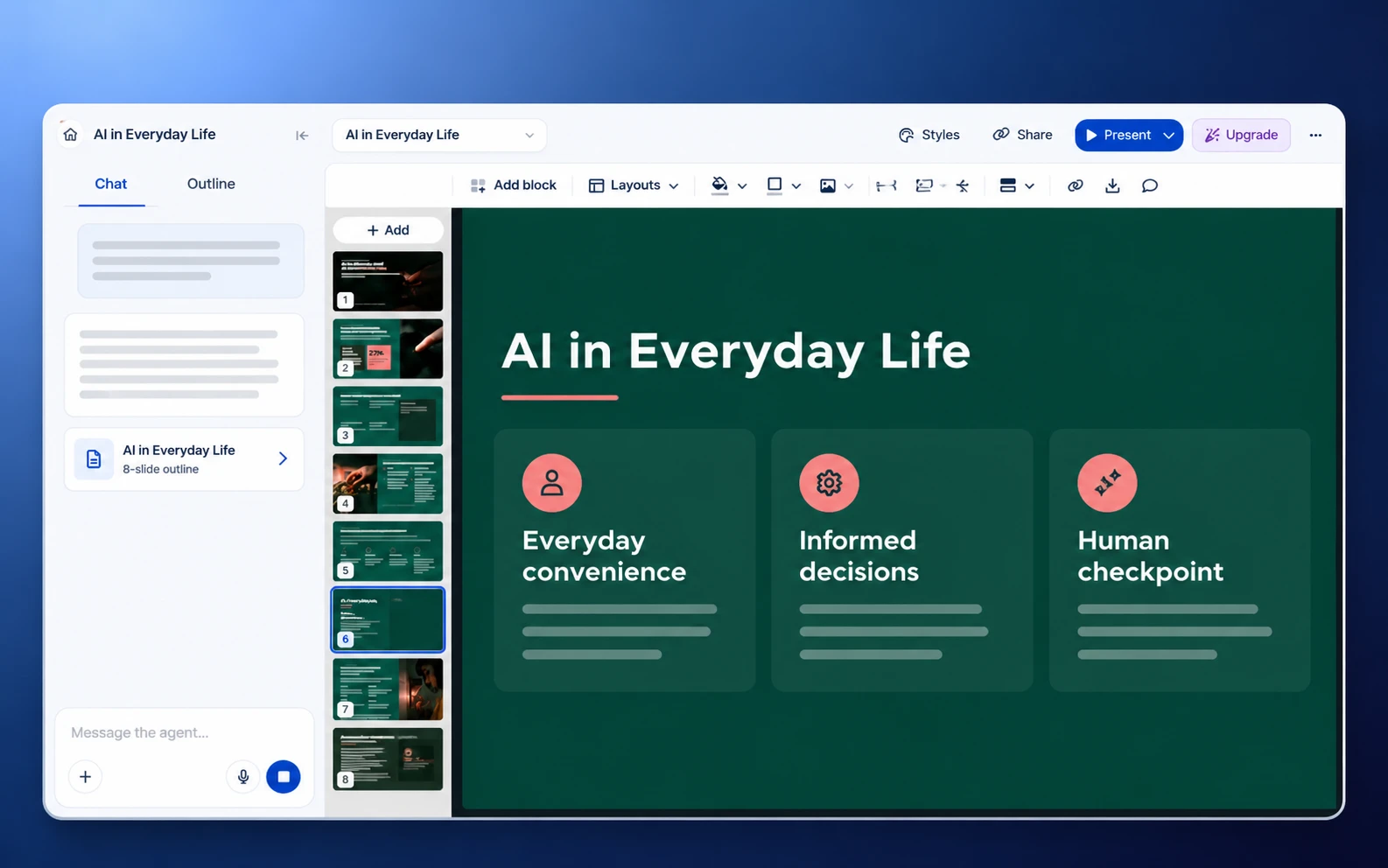
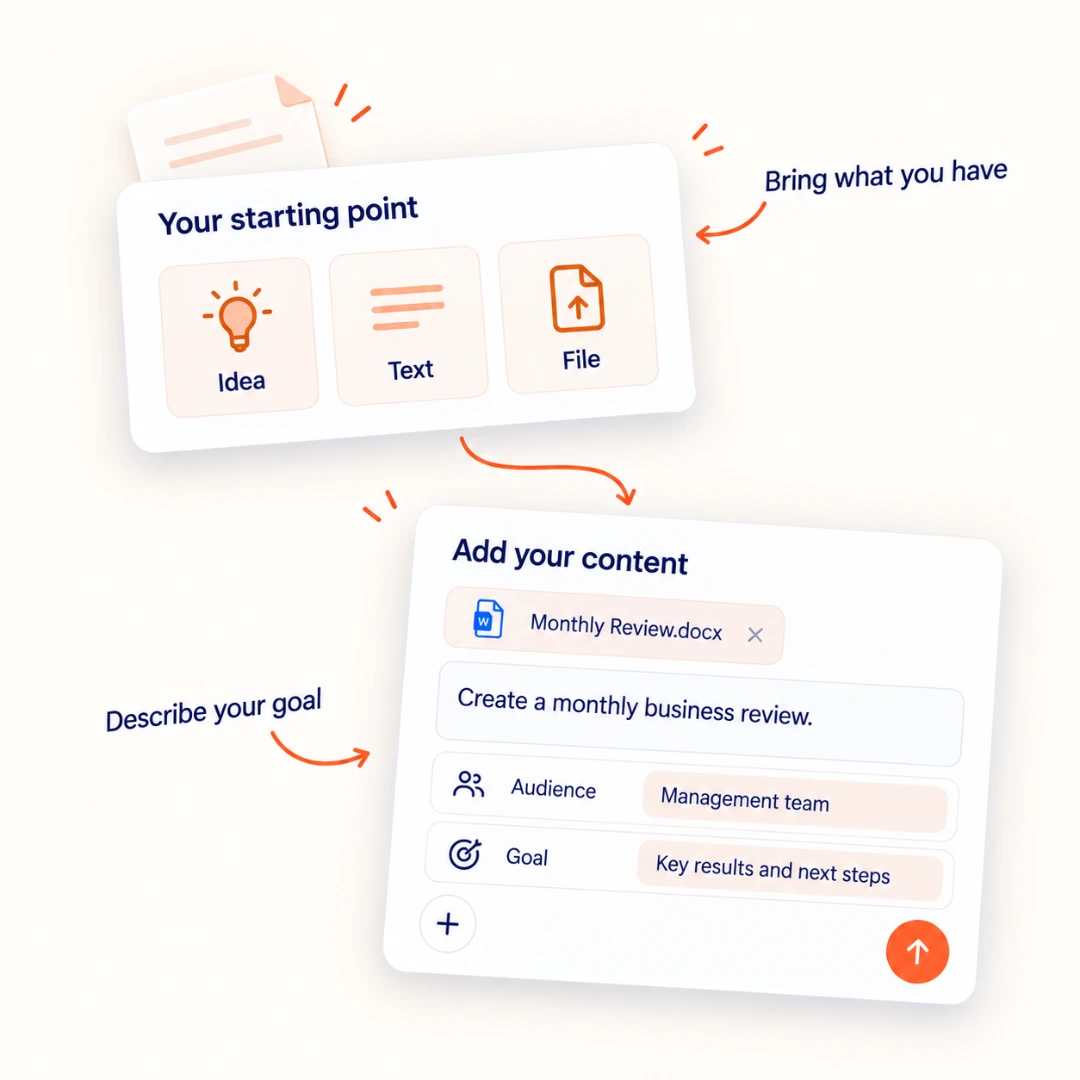
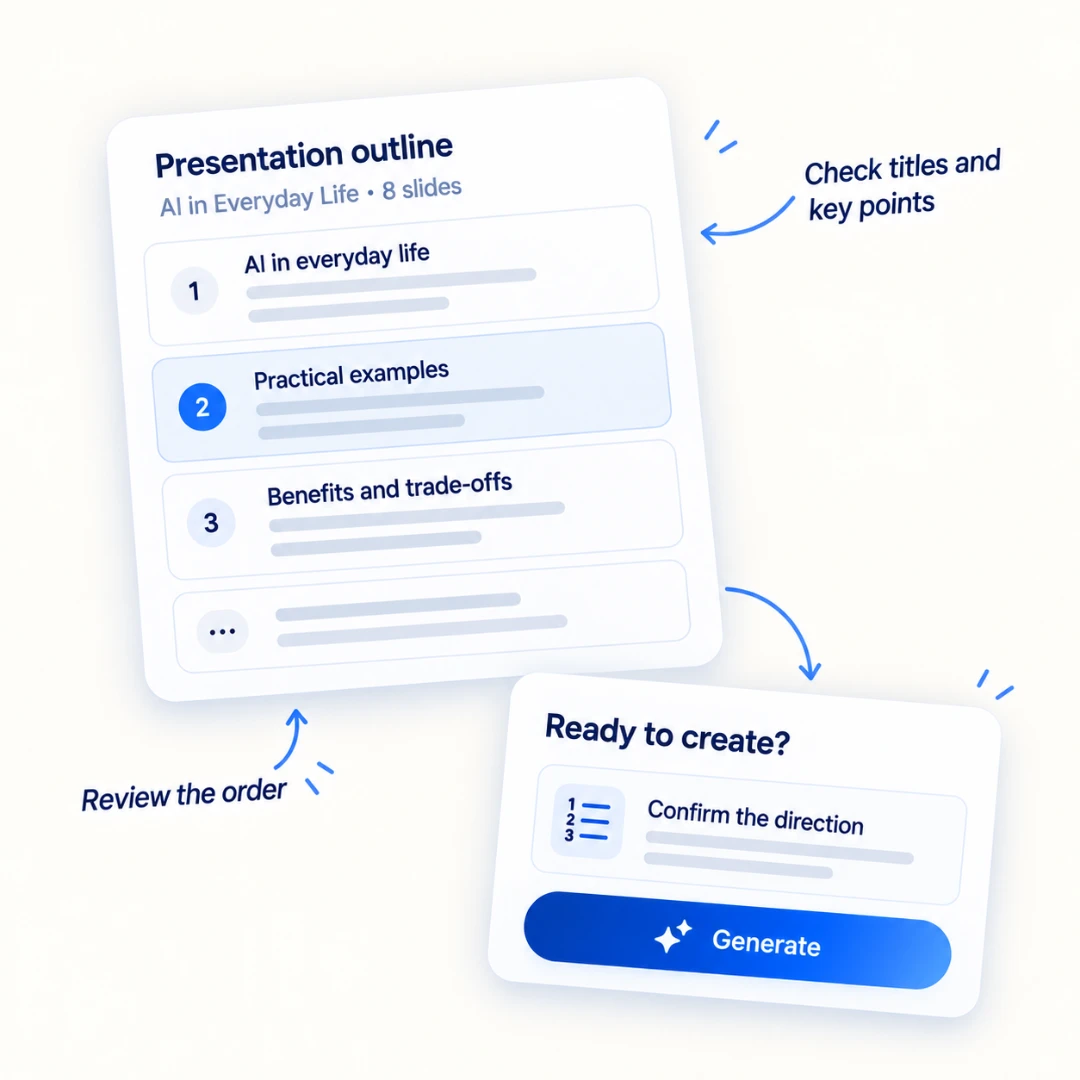
Gamma is an AI design platform for presentations, documents, websites, and social content. Start with an idea or existing material, clarify your audience and goals, and review an outline before generating your presentation.

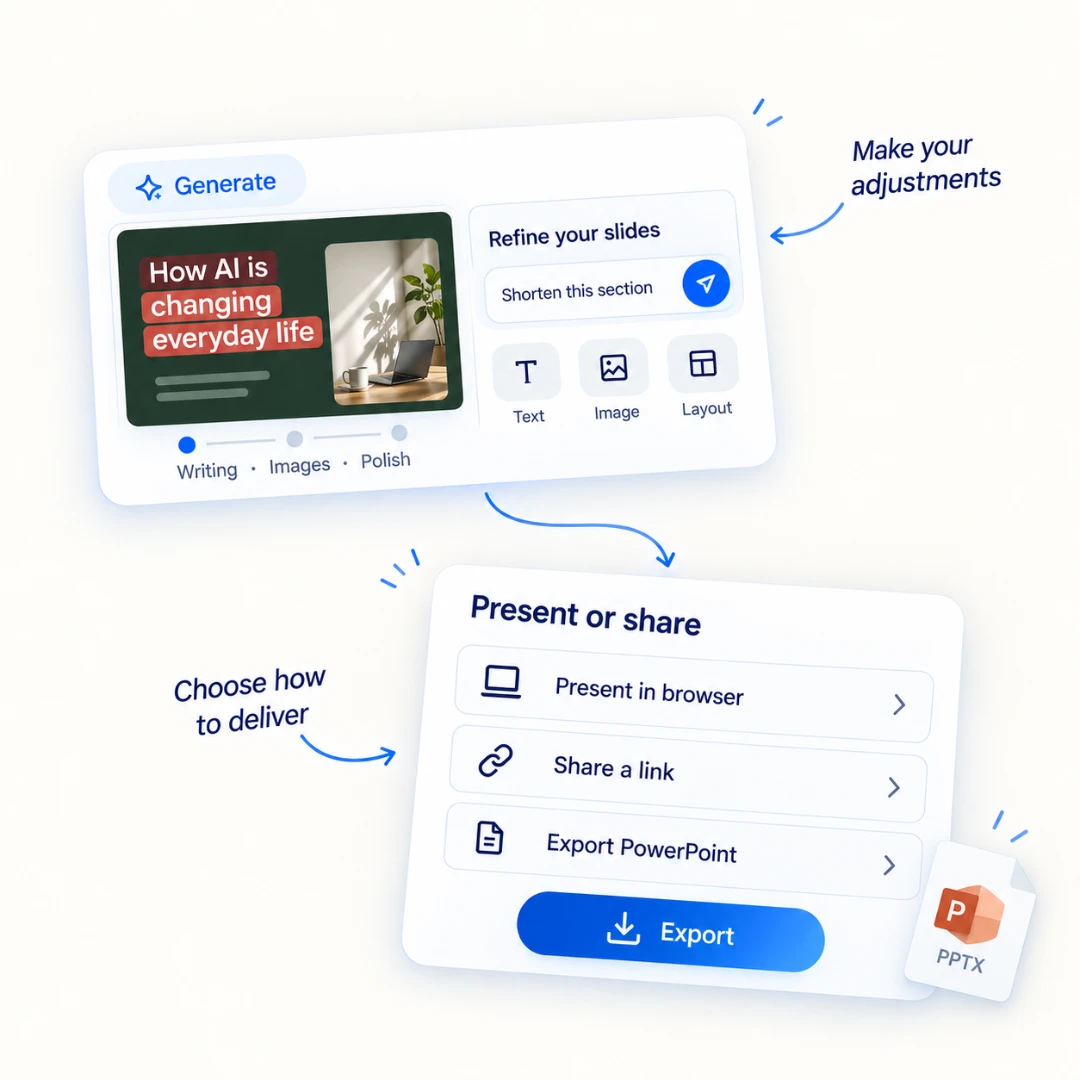
Gamma combines an AI agent with templates, themes, and manual editing tools. You can present in the browser, share your work through a link, or export it to formats including PowerPoint.

What Is AI PPT Maker?

What Is AI PPT Maker?

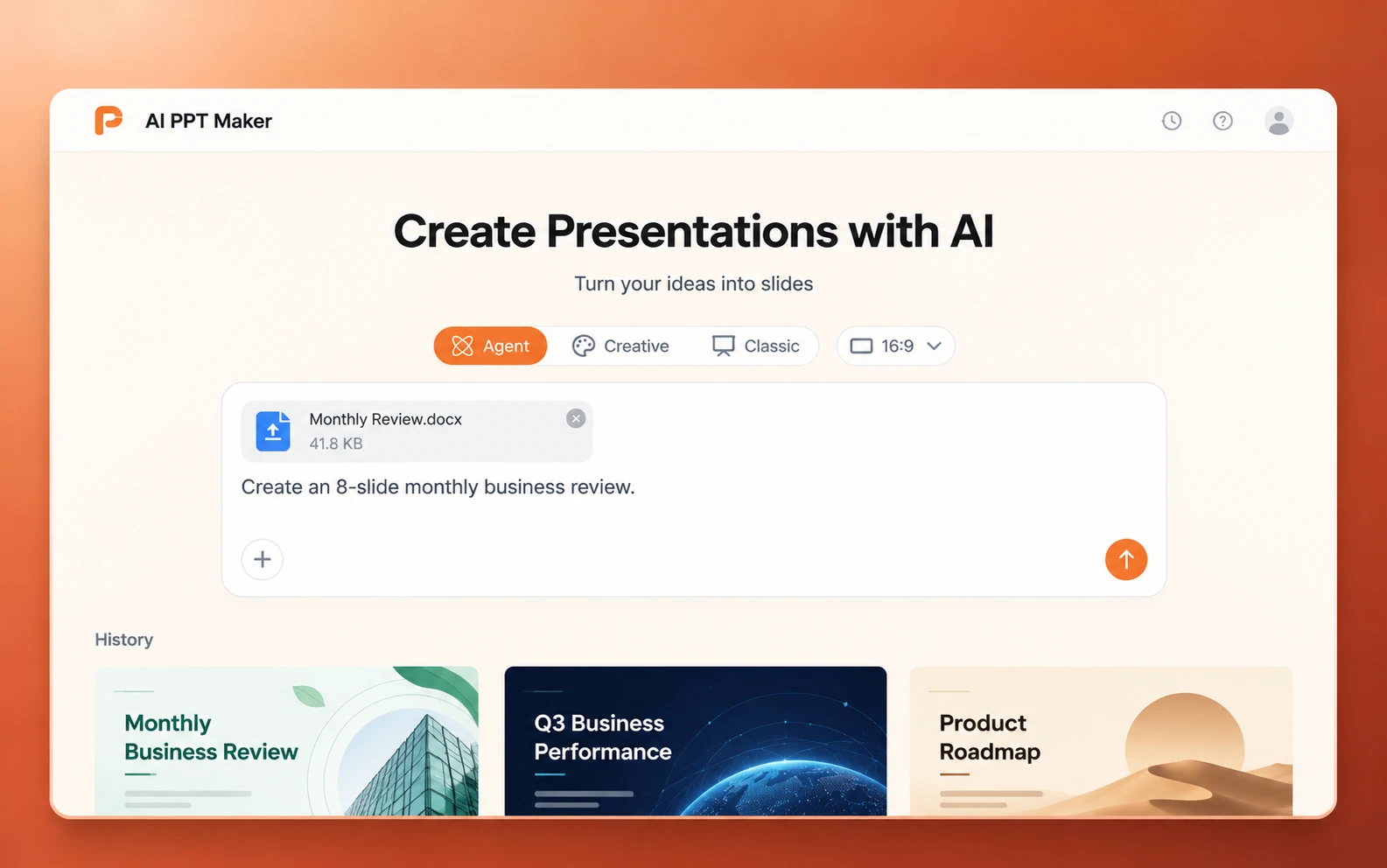
AI PPT Maker helps you turn ideas, notes, and documents into presentations through Agent Slides, Creative Slides, and Classic Slides.

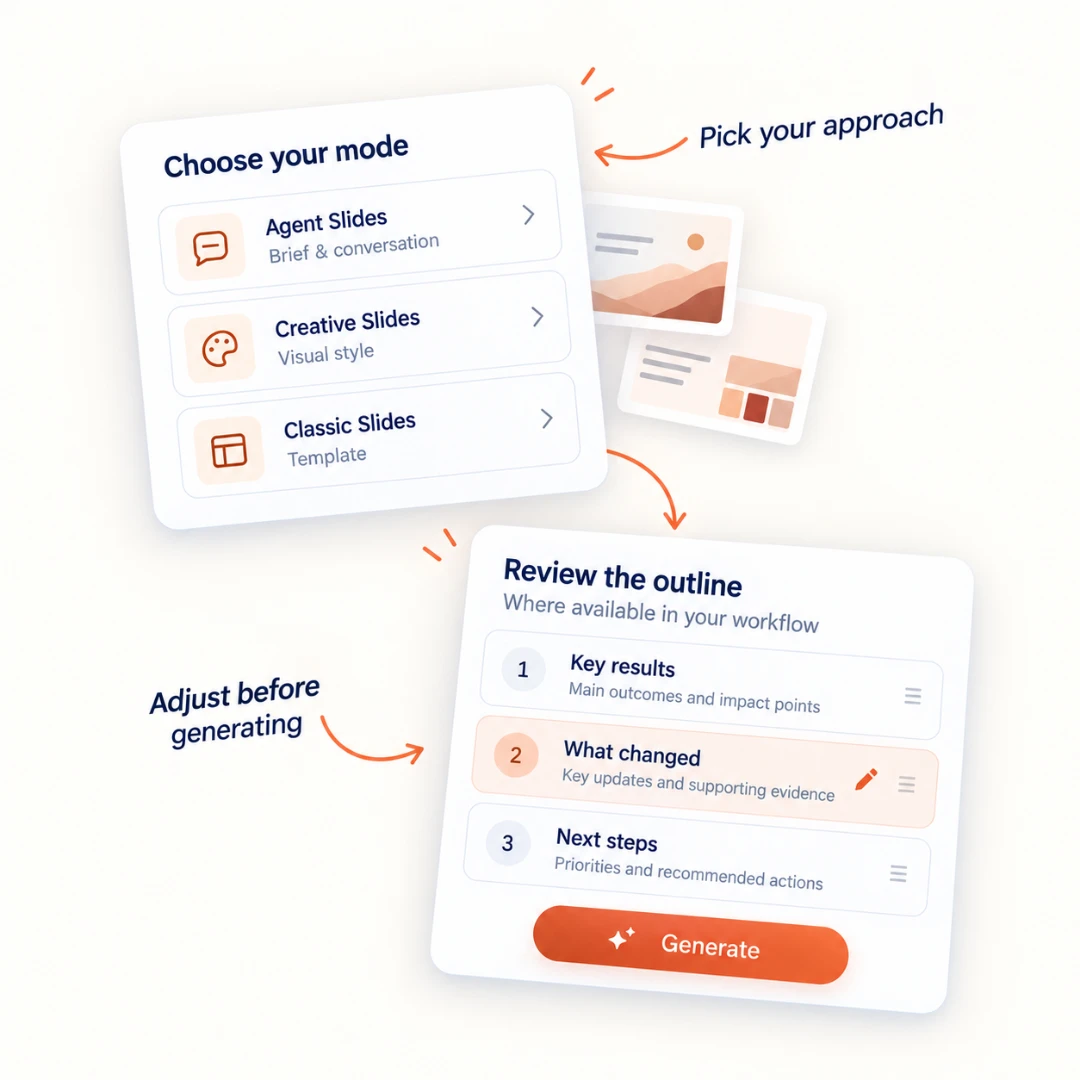
Choose Agent Slides to develop a deck through conversation, Creative Slides to explore visual styles, or Classic Slides to work from a template. Dedicated tools such as DOC to PPT, PDF to PPT, and Text to PPT give you a starting point based on the content you already have.

Gamma vs AI PPT Maker Comparison

Compare the products across creation, design, editing, output, and everyday use.

Gamma vs AI PPT Maker Comparison
FeatureGammaAI PPT Maker
Product focusPresentations, documents, websites, and social content
Presentation creation with dedicated modes and conversion tools
Getting startedPrompts, existing content, imports, and templates
Ideas, text, documents, and supported links
Creation optionsAgent-led creation, classic generator, and blank projects
Agent Slides, Creative Slides, and Classic Slides
Presentation planningAudience, emphasis, and depth choices followed by an outline
Brief-led creation and outline review within the selected workflow
Design optionsTemplates, themes, AI imagery, layouts, and Freeform editing
Agent-generated layouts, creative visual styles, and classic templates
EditingAI conversation and manual editing tools
Agent follow-up instructions, Creative AI editing, and outline editing
PowerPoint outputPowerPoint export with native text and shapes supported
PPTX downloads through Agent Slides and Classic Slides
Other output optionsPDF, Google Slides, PNG, web sharing, and publishing
Creative PNG output; Classic PDF, Keynote, outlines, and image options
SharingLinks, embedded content, and browser presentation
Agent session sharing and downloadable presentation files
Best fitCreating several content formats within one visual workspace
Creating presentations with a choice of agent-led, visual, or template-based workflows

Gamma and AI PPT Maker Features

Presentation Creation

A useful presentation starts with the right structure. Your audience, purpose, and source material determine what belongs on each slide.

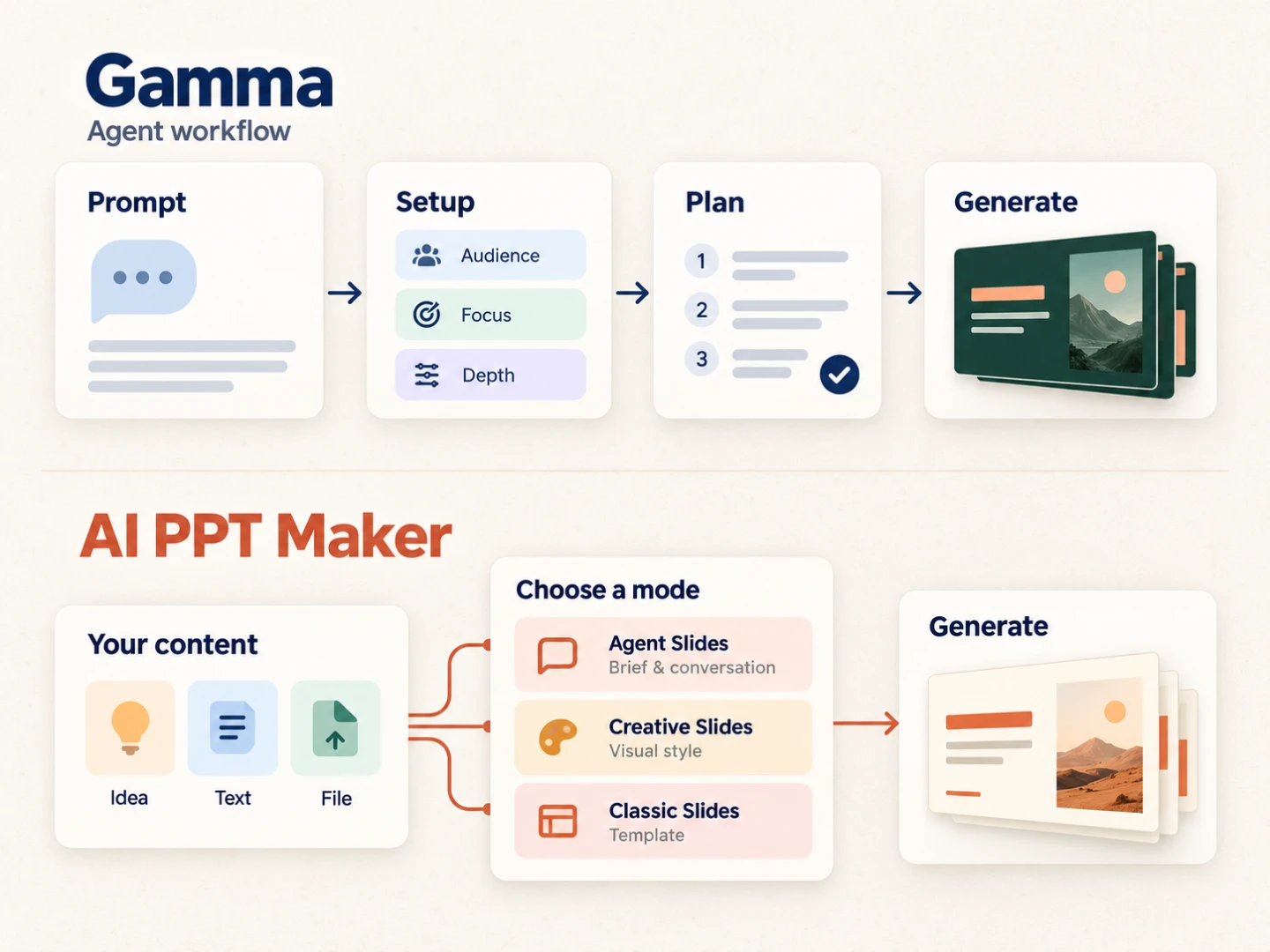
Gamma guides you through choices such as audience, emphasis, and presentation depth before building an outline. Its agent can also bring web research into the planning process.

AI PPT Maker lets you choose how to begin. Give Agent Slides your material and instructions, use Creative Slides to plan a visual presentation, or upload a document and choose a template in Classic Slides. For recurring tasks, dedicated document and text conversion tools make the starting point clear.

Presentation Creation

Design and Templates

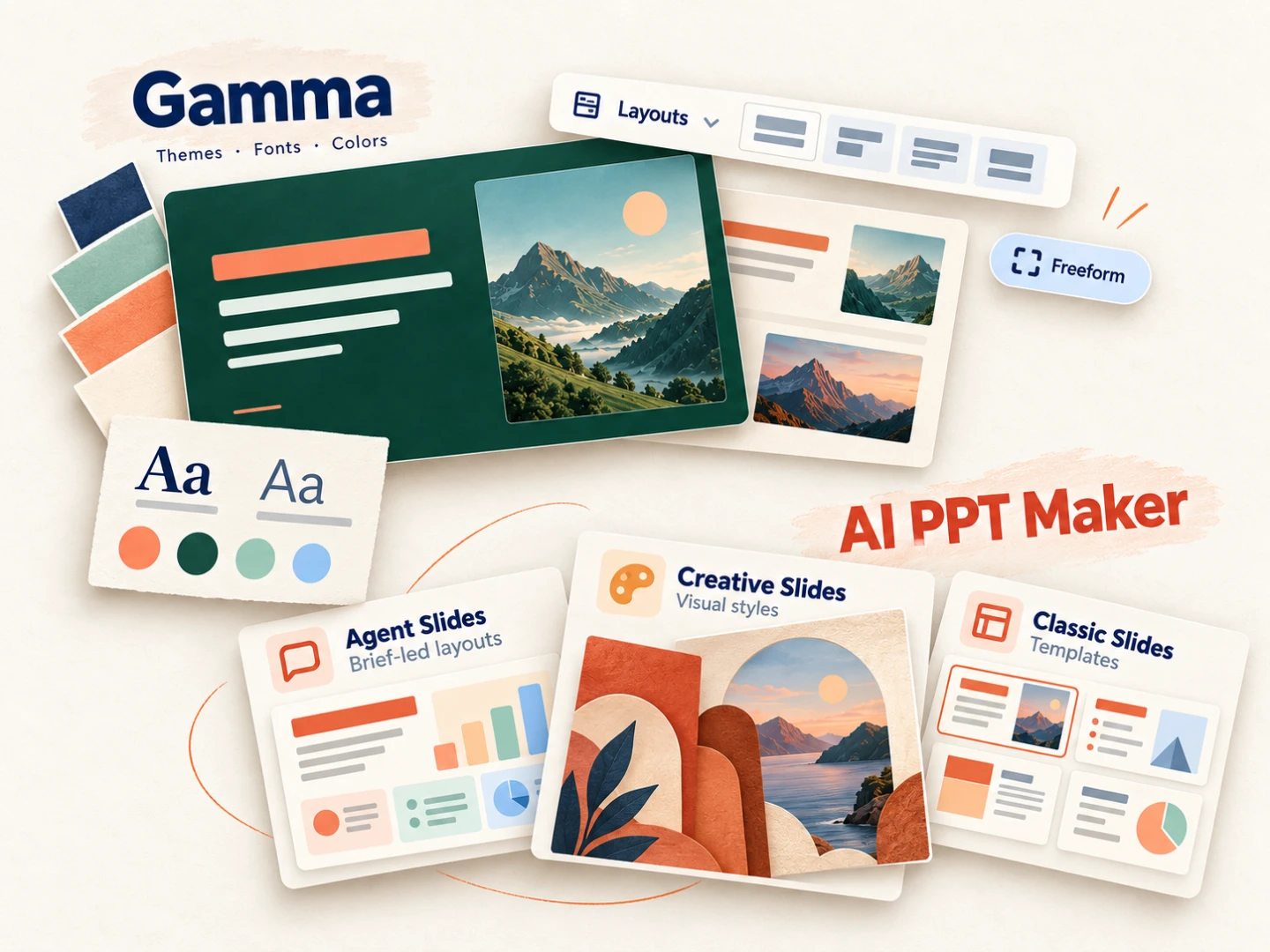
Design needs change from one presentation to the next. A monthly report may need clear figures and restrained layouts, while a product introduction may benefit from larger visuals and a more expressive style.

Gamma brings themes, imagery, layout controls, and Freeform editing into the same workspace. You can adjust the overall appearance and work on individual pages.

AI PPT Maker separates these choices into three modes. Agent Slides builds layouts around your brief, Creative Slides lets you choose a model and visual style, and Classic Slides starts with a template. This gives you different ways to approach a report, lesson, proposal, or visual presentation.

Design and Templates

Editing and Revisions

The first draft gives you something to work with. You may still want to shorten a section, change a headline, replace an image, or adjust the presentation for a different audience.

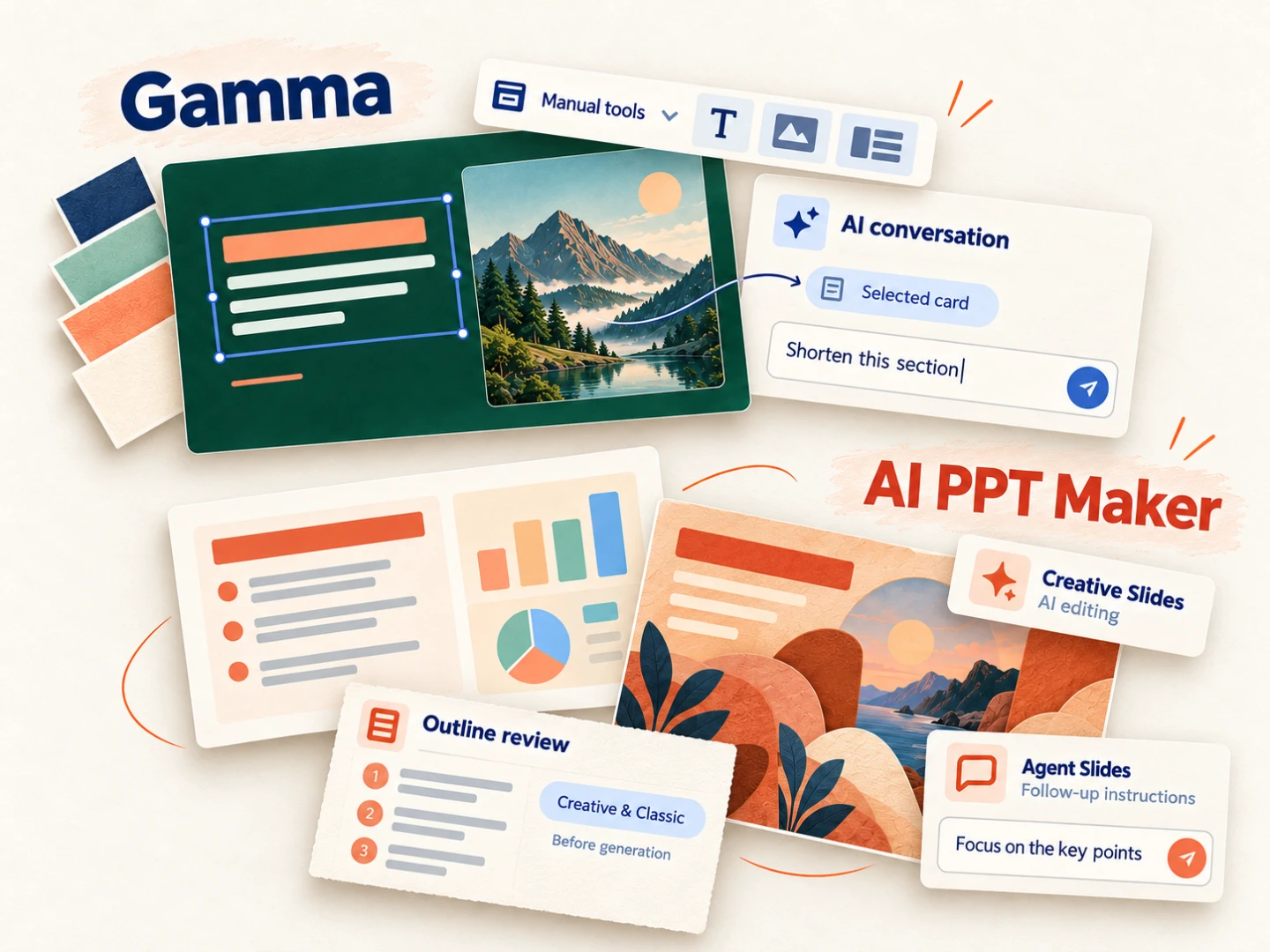
Gamma provides both an AI conversation and manual editing controls. Selected slide content can become context for the conversation, while layout and style tools support direct adjustments.

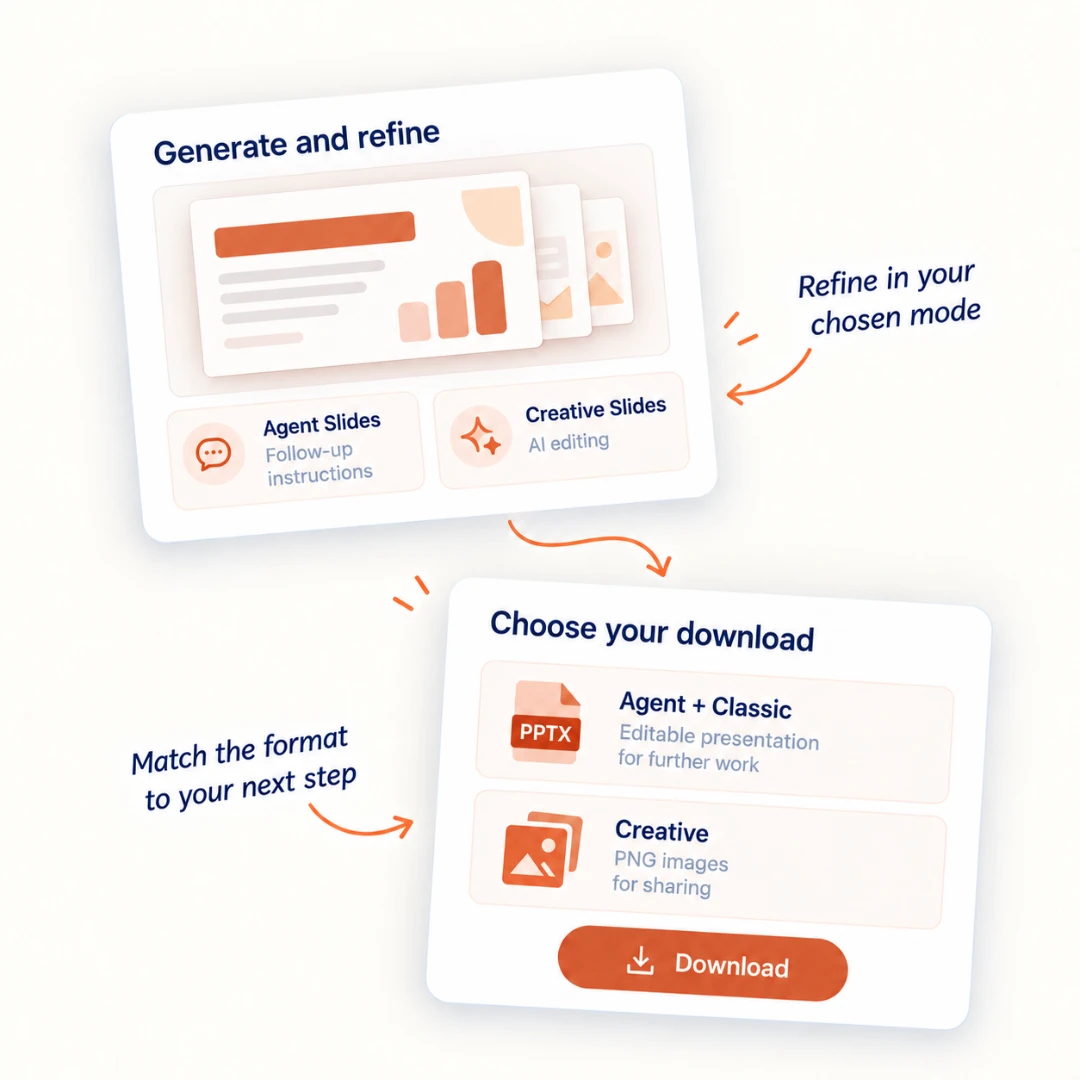
AI PPT Maker supports follow-up instructions in Agent Slides and AI editing in Creative Slides. Outline review in Creative and Classic helps you adjust the structure before generating the deck. Choose the workflow that matches how you prefer to make changes.

Editing and Revisions

Downloads and Sharing

Think about how people will receive and use your presentation. A link works well for browser viewing, while a PowerPoint file lets you continue working in a familiar presentation application.

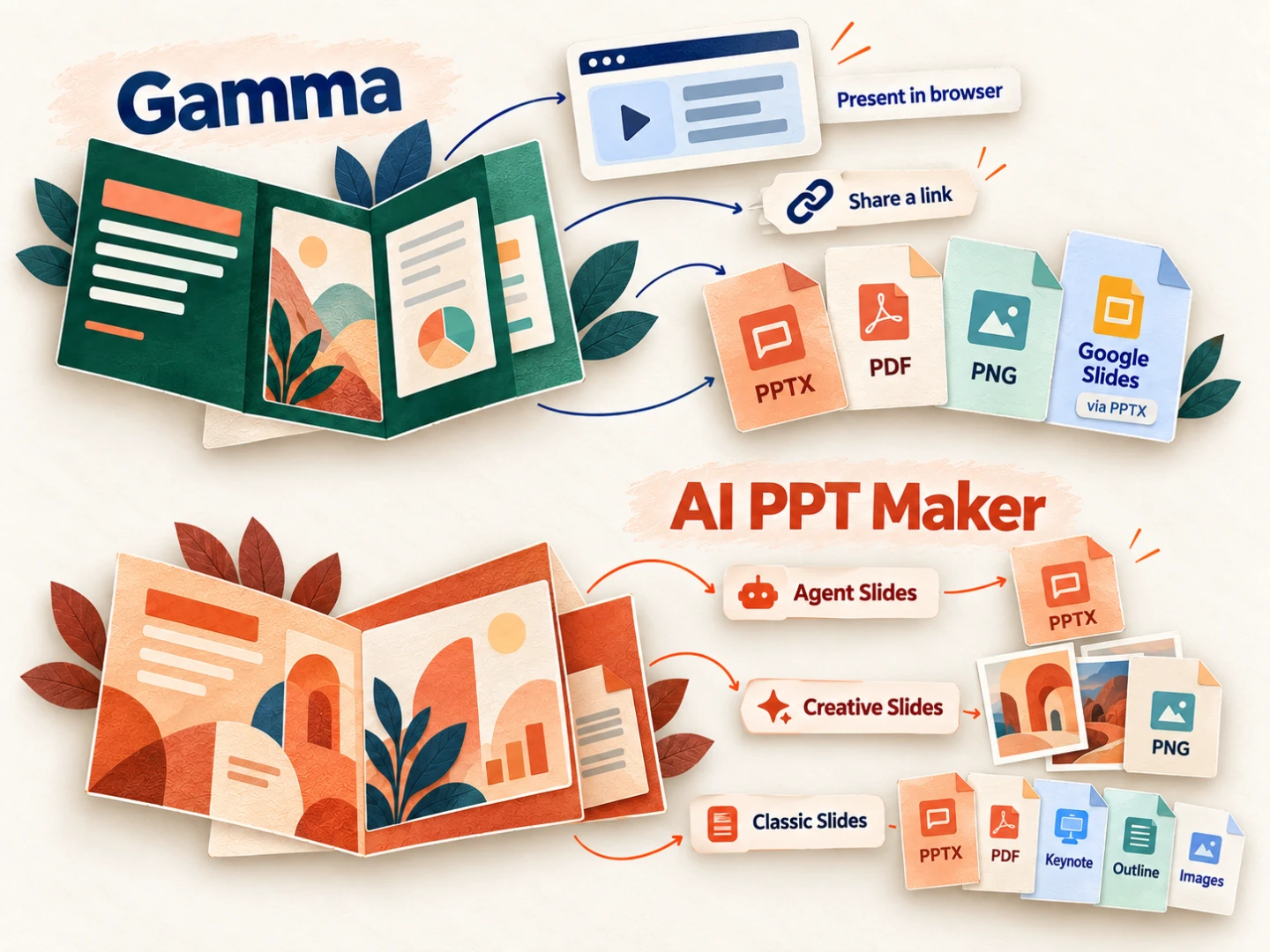
Gamma supports browser presentation, link sharing, and exports including PowerPoint, PDF, Google Slides, and PNG.

AI PPT Maker provides PPTX downloads through Agent Slides and Classic Slides. Creative Slides provides PNG output, while Classic also offers PDF, Keynote, outline, and image downloads. Choose your mode with the final format in mind.

Downloads and Sharing

How to Create Presentations with Gamma and AI PPT Maker

Gamma on the left. AI PPT Maker on the right. Explore the process, one step at a time.

Step 1 of 3
Gamma: Enter Your Topic or Content

Enter Your Topic or Content

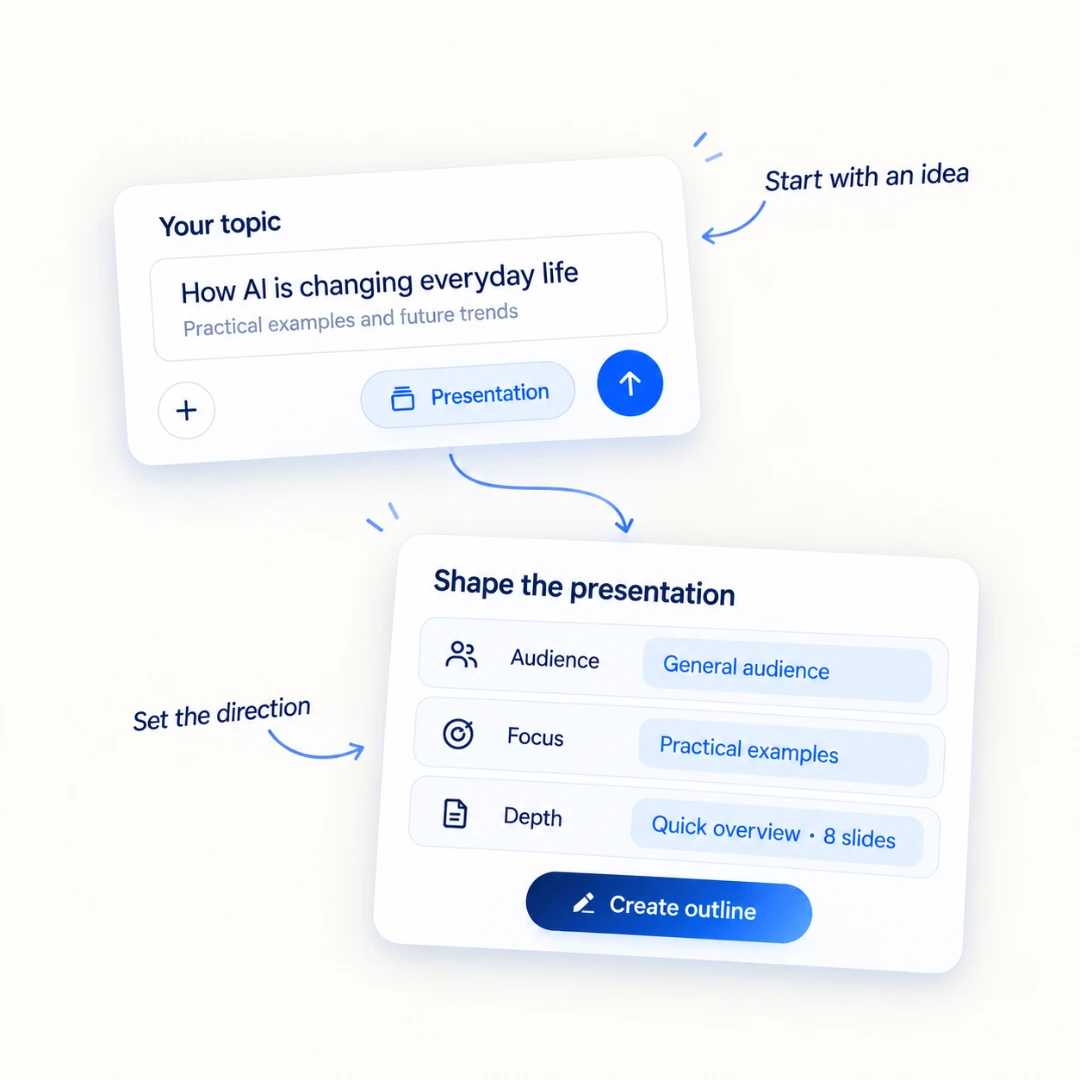
Describe the presentation you want to create or bring in existing material. Set the audience, content emphasis, and level of detail to guide the presentation.

AI PPT Maker: Add Your Content

Add Your Content

Enter a topic, paste your text, or upload a supported file. Tell AI PPT Maker who the presentation is for and what you want it to cover.

Gamma and AI PPT Maker Presentation Examples

Explore two real presentations on AI in everyday life. Browse all eight slides. These are same-topic examples, not a controlled benchmark.

Gamma Presentation

A dark green presentation with coral accents, photography, and varied content layouts.

Gamma Presentation — 1

Slide 1 of 8

AI PPT Maker Presentation

A light presentation with blue accents, practical everyday examples, and a checklist for using AI.

AI PPT Maker Presentation — 1

Slide 1 of 8

Gamma and AI PPT Maker Plans

Compare the creation tools you need, the outputs you use, and how often you make presentations.

Gamma and AI PPT Maker Plans
FeatureGammaAI PPT Maker
Free accessA Free plan is available
A Free plan is available for Classic Slides
Individual paid plansPlus, Pro, and Ultra
Basic and Pro
Creation accessAvailable models and usage allowances vary by plan
Paid plans include Agent Slides, Creative Slides, and Classic Slides
BrandingPlus and higher plans include removal of Gamma branding
Paid plans include watermark removal
UsageCredit allowances vary by plan
Credit use depends on the selected mode and generation
Business requirementsBusiness and Enterprise plans add organizational features
Compare the available presentation modes and outputs with your team’s needs

Which Presentation Tool Should You Choose?

Choose Gamma If…

  • You want to create presentations, documents, websites, and social content in one workspace.
  • You often present in the browser or share your work through a live link.
  • You prefer an agent-led setup with audience, emphasis, and depth choices.
  • You want themes, manual layout tools, and publishing options within the same product.

Choose AI PPT Maker If…

  • Presentations are the main output you need for work, teaching, or study.
  • You want dedicated workflows for turning documents, PDFs, and text into slides.
  • You prefer choosing between Agent Slides, Creative Slides, and Classic Slides.
  • You want to develop a deck through conversation, explore visual styles, or start with a template.
  • You need PPTX output from Agent or Classic, or image output from Creative.

AI PPT Maker is a Gamma alternative for people who want several presentation workflows in one place. Start with the mode that fits your next task, then review the design, editing experience, and output together.

Ask AI to compare Gamma and AI PPT Maker

Bring your presentation needs to an AI assistant. Explore the differences that matter to you.

Choose an assistant to continue

ChatGPT

Explore the comparison

Gemini

Discuss your presentation needs

What are you creating?

Preview or edit your question

Your question is copied when you open an assistant. Paste it there to start the conversation.

Gamma vs AI PPT Maker FAQs

What is the main difference between Gamma and AI PPT Maker?

Gamma supports presentations, documents, websites, and social content in one workspace. AI PPT Maker focuses on presentations, with Agent Slides, Creative Slides, Classic Slides, and dedicated conversion tools. Compare the workflow and final format you need alongside design and editing.

Is AI PPT Maker a good Gamma alternative?

AI PPT Maker is an option if presentations are your main task and you want to choose between agent-led creation, visual generation, and template-based design. The best fit depends on your source material, preferred editing workflow, and output needs.

Can both tools create presentations from existing content?

Yes. Gamma accepts existing content and imports, while AI PPT Maker offers workflows such as DOC to PPT, PDF to PPT, and Text to PPT. Supported formats and limits depend on the workflow you choose.

Can I edit a presentation after it is generated?

Gamma combines AI conversation with manual editing controls. AI PPT Maker supports follow-up instructions in Agent Slides and AI editing in Creative Slides. Creative and Classic also support outline review before generation.

Can I export an editable PowerPoint presentation?

Gamma supports PowerPoint exports with native text and shapes. AI PPT Maker provides PPTX downloads through Agent Slides and Classic Slides. The editable objects and layout depend on the generated presentation; review your exported file before final delivery.

Which AI PPT Maker mode should I choose?

Choose Agent Slides to develop a presentation through conversation, Creative Slides to explore a visual direction with PNG output, or Classic Slides for a template-based workflow with PPTX and other download options.

Can I use Gamma and AI PPT Maker for free?

Both have free access with limitations. AI PPT Maker’s Free plan provides Classic Slides; paid plans add Agent Slides, Creative Slides, and watermark removal. Gamma’s paid plans offer different usage allowances and features.

Which tool should I use for professional presentations?

Both can support professional presentation workflows. Gamma combines browser presentation and sharing with several content formats. AI PPT Maker offers presentation-focused modes and conversion tools. Compare the content structure, design, editing experience, output, and plan around your actual task.

Create Your Next Presentation with AI PPT Maker

Create Your Next Presentation with AI PPT Maker

Bring your idea, notes, or document. Choose Agent Slides, Creative Slides, or Classic Slides, and build a presentation around your audience and purpose.