Turn Your Video into Editable PowerPoint
Every video holds a story. Let AI shape yours into editable slides.
File
Describe your presentation topic, or click “+” to upload files or add links.

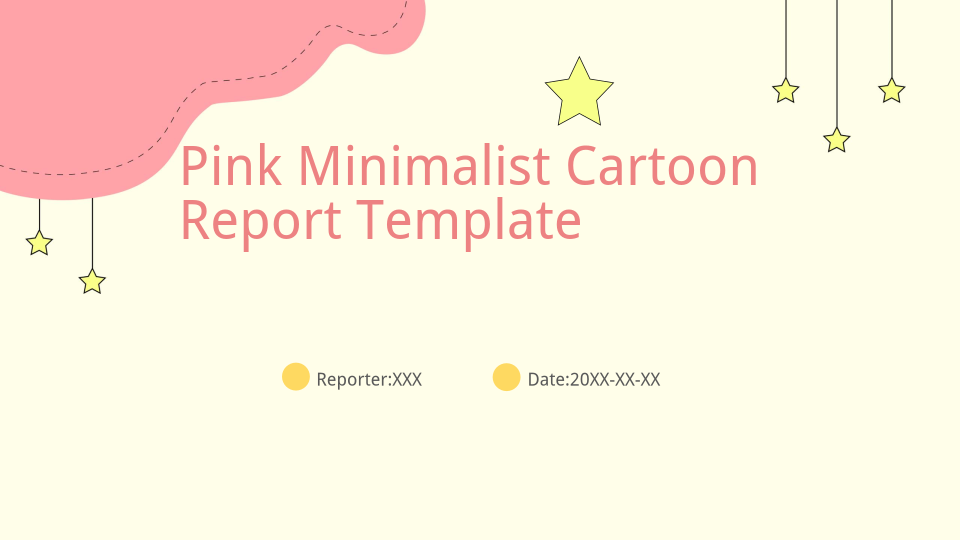
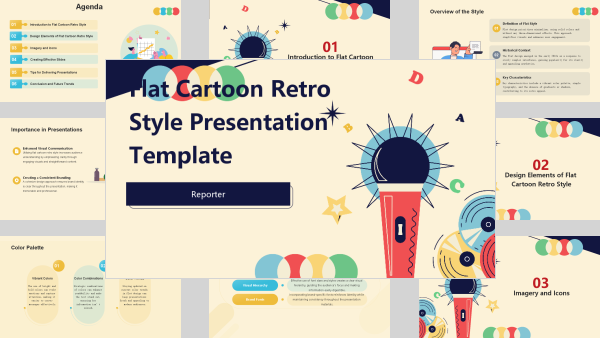
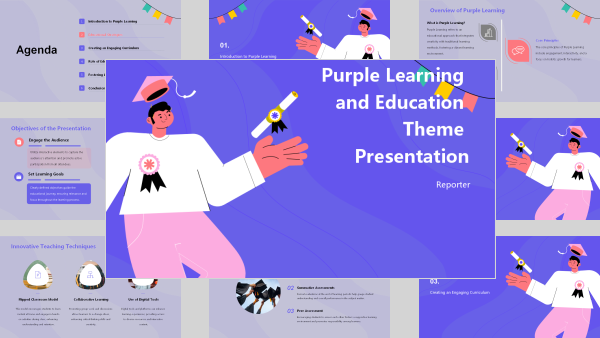
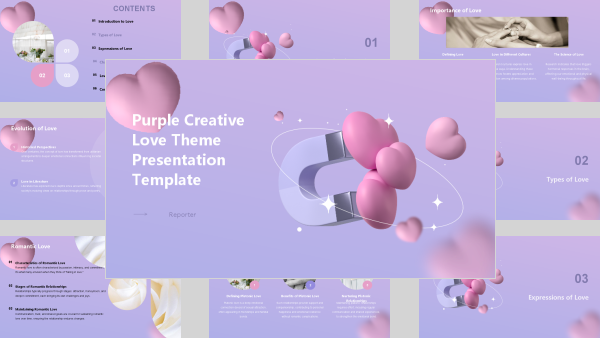
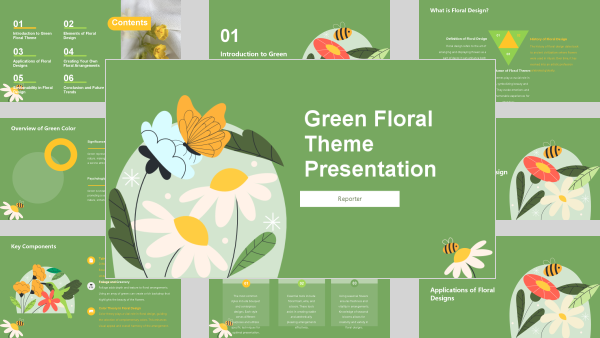
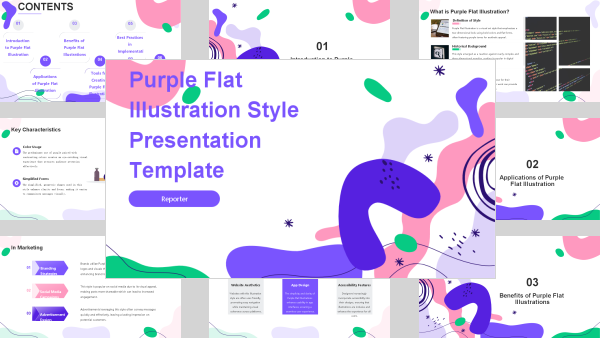
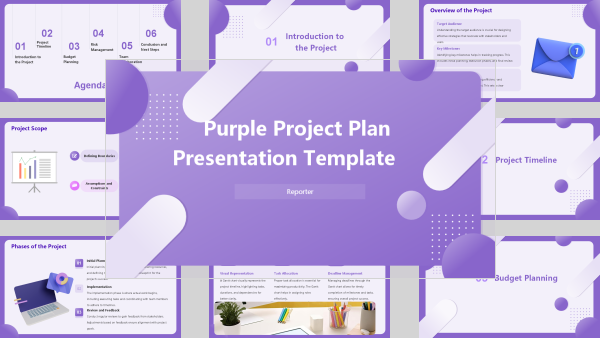
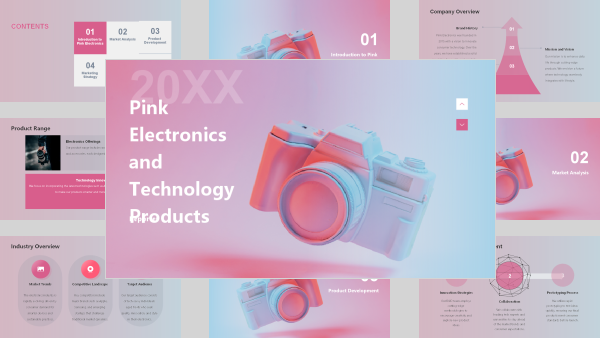
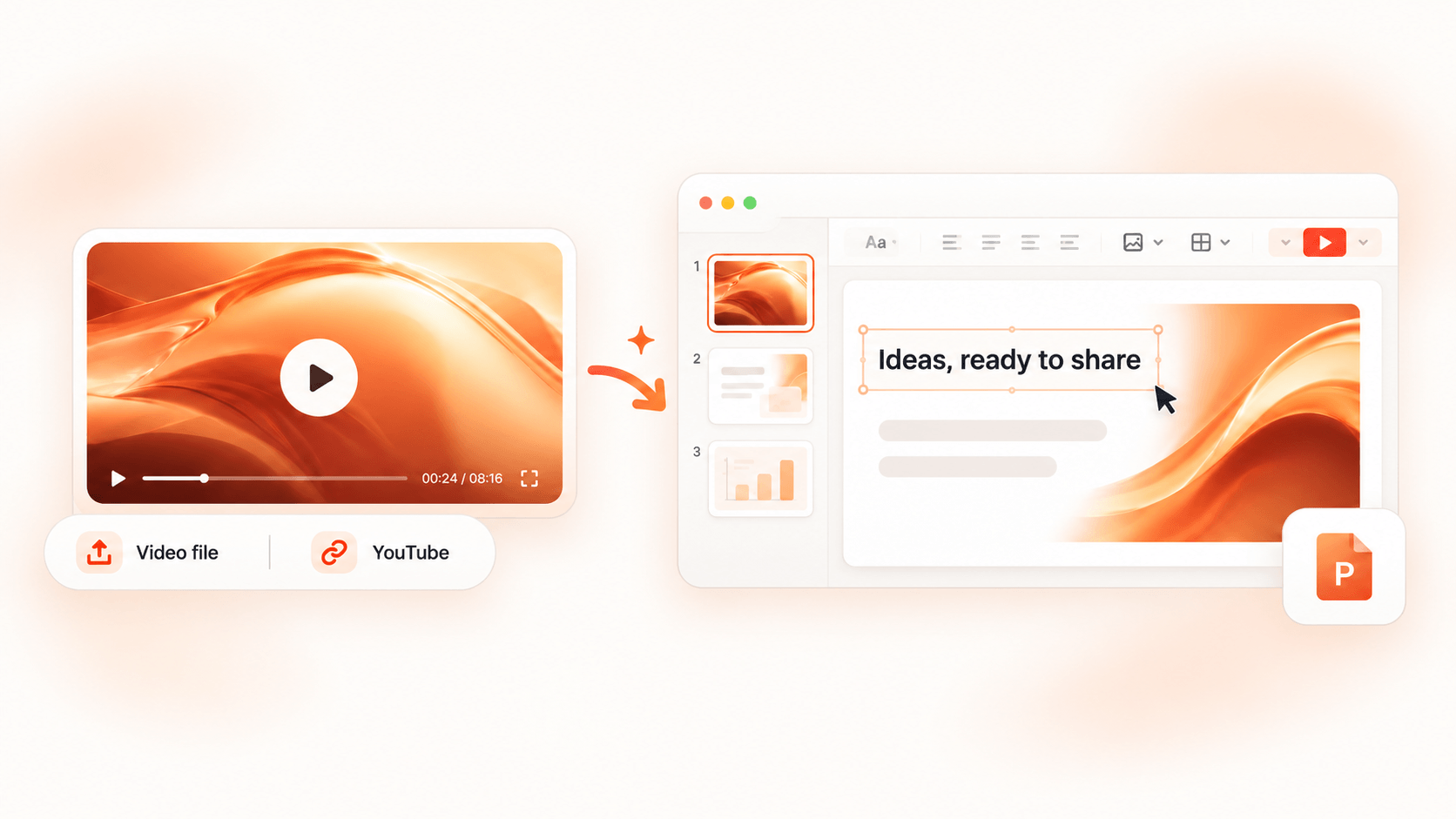
Video to PPT – Convert Video to Editable PowerPoint Free
Convert video to editable PowerPoint with AI. Paste a YouTube link or upload a video or audio file to create slides. Turn your content into a presentation.
Behind Every Number, an Idea Brought to Life













Cumulative usersAcross the world2,400,000+
Presentations generatedCreated by our users10,000,000+
User satisfaction scoreFrom 6000+ verified reviews4.9/5
Time saved on designAverage 6.5 h per deck90%
The editable presentation
Your content, with a new way to shine
See how a video becomes a presentation. Explore the original content alongside the generated slides, and discover a new way to teach, explain, or share your ideas.
02 / 09
How to convert video to PowerPoint
Start with content you already have. Leave with slides you can make your own.
Add your video or audio
Paste a YouTube link or upload a video or audio file. Start with a lesson, a webinar, or a recording you want to turn into a presentation.
Let AI build your slides
AI turns your content into a slide deck, giving you a first draft to work with.
Make it yours
Review the slides, refine the wording, and download your editable PowerPoint. Add your finishing touches before you present.
Give your content a life beyond the play button
Turn what you’ve recorded into something you can present, revisit, and build on.
Start with what you have
A YouTube link, a video, or an audio recording. Bring your existing content and give your next presentation a head start.
Find the story in your recording
Let AI organize your content into a clear presentation, with ideas that flow naturally from one slide to the next.
Give your ideas room to shine
Turn your content into designed slides with AI. Spend less time arranging the page and more time shaping your message.
Keep the final say
Refine the wording, adjust your slides, and add your own perspective. Make the first draft feel like your presentation.
Take it into PowerPoint
Download an editable PowerPoint and keep creating in a tool you know. Your slides are ready for your finishing touches.
Make one recording go further
Turn a lesson into a teaching deck, a webinar into a team recap, or a product walkthrough into your next pitch.
Recorded once. Ready for what’s next.
Take the ideas in your recordings into your next class, meeting, or presentation.
Bring lessons back to life
Turn recorded lectures and tutorials into slides for teaching, revision, or a fresh explanation of a familiar topic.

Your content stays yours. Always.
Organizations trust AI PPT Maker with confidential roadmaps, financials and customer data. We protect it with the same rigor they'd expect from any critical vendor.
Encryption everywhereAES-256 at rest, TLS 1.3 in transit.
Never trained on your dataYour decks are excluded from model training by default.
Two-factor authenticationTOTP, SMS and hardware security keys.
Regional data residencyChoose EU, US or APAC storage regions.
You own your IPFull commercial rights to every slide you generate.
Independent auditsAnnual penetration tests and third-party review.
See how others turn their videos into presentations

★★★★★
“I had a recording of a lesson on persuasive writing, but needed slides for a smaller revision group. I used AI PPT Maker as a video to PPT converter, then changed the examples to match the essays we were working on. I still checked the wording and added two discussion questions. Having something to work from made the prep feel manageable, especially with marking still waiting on my desk.”

★★★★★
“Our sales team wanted the useful bits from a customer onboarding webinar before their Monday meeting. Sending the recording again wasn't going to help. I tried AI PPT Maker to convert video to PowerPoint, cut a few slides, and added the questions our reps kept asking. The deck still needed our product terminology checked, but I had a workable recap instead of another link sitting unread in the team chat.”

★★★★★
“Honestly, the download was the deciding bit. I had a recorded product walkthrough and needed a presentation for a distributor who still works entirely in PowerPoint. AI PPT Maker's video to PPT converter gave me a draft I could edit there. I replaced some wording, added the distributor's pricing slide, and rearranged the ending. That fits how I work. I want help getting started, then control over the finished deck.”

★★★★★
“Four of us were preparing for a seminar, and we'd all watched the same public economics lecture on YouTube. Nobody had made the slides. I put the link into AI PPT Maker and used its video to PPT converter to get us started. We checked the arguments against our notes, removed a section we didn't need, and added our own questions. Was it ready to hand in untouched? No. Was it easier to work on together? Definitely.”

★★★★★
“We recorded a walkthrough of our support escalation process, then changed part of the process the following week. Typical. I used AI PPT Maker to convert video to PowerPoint and edited the slides to reflect the new handoff steps. I added screenshots myself and asked our support lead to check the sequence. Now I have a deck I can update for each onboarding group, alongside the original recording.”

★★★★★
“After an online workshop on planning a content calendar, I needed a shorter version for a local business group. AI PPT Maker's video to PPT converter helped me turn my recording into a starting deck. I rewrote the opening, swapped the examples for small businesses, and left more room for discussion. The useful part was having my previous material in an editable format while I worked out what this audience needed.”
A few things you might be wondering
What is a video to PPT converter?
A video to PPT converter turns video content into a PowerPoint presentation. With AI PPT Maker, you can start with a YouTube link or an uploaded recording and create editable slides for your next class, meeting, or presentation.
How do I convert a video to PowerPoint?
Paste a YouTube link or upload your video, then generate your slides with AI PPT Maker. Review the content, make your changes, and download an editable PowerPoint to finish in your own style.
Can I turn a YouTube video into a PowerPoint?
Yes. Paste the YouTube link into the input field to get started. You can use the link directly, without downloading the video to your device first.
Can I upload an audio file instead of a video?
Yes. You can also upload an audio file and turn its content into slides. Start with a recorded talk, an interview, or your own spoken notes.
What is the maximum video file size?
You can upload video files up to 100 MB each. If your file is larger, compress it or trim it to the section you want to turn into a presentation before uploading.
Can I edit the slides after converting my video?
Yes. Download your presentation as an editable PowerPoint file, then revise the text, adjust the layout, or add your own examples. Review the slides against your original recording before presenting.
What kinds of videos can I turn into presentations?
Start with content you want to explain or share: a recorded lesson, a webinar, a training session, or a product walkthrough. Choose a recording with a clear topic to give your presentation a useful starting point.
Can I try AI PPT Maker for free?
Yes. AI PPT Maker’s Free plan includes 50 credits per month for Classic Slides. Start with 10 credits before signing in, then sign in to claim the remaining 40. Free exports include a watermark; Basic and Pro include watermark-free exports.